
Turn a Flat Lay Into a Ghost Mannequin Photo
Only have photos of your clothes laid flat? Upload one and the AI gives the garment a worn, 3D shape with an inner neck, as if it were on an invisible body, on a white, light gray or transparent background.
- Photo
- Settings
- Result
Works best
- One garment, fully in frame
- Straight-on, evenly lit
- Plain background
Avoid
- Cropped hems or sleeves
- Busy backgrounds or several garments
Output: 2048 × 2048 px · JPG
Uses 1 credit per image. A failed image gives the credit back.
- Private: only you can see your photos
- Failed images give the credit back
- 2048 px downloads, ready for Shopify, Etsy and Amazon
- Pay once, no subscription
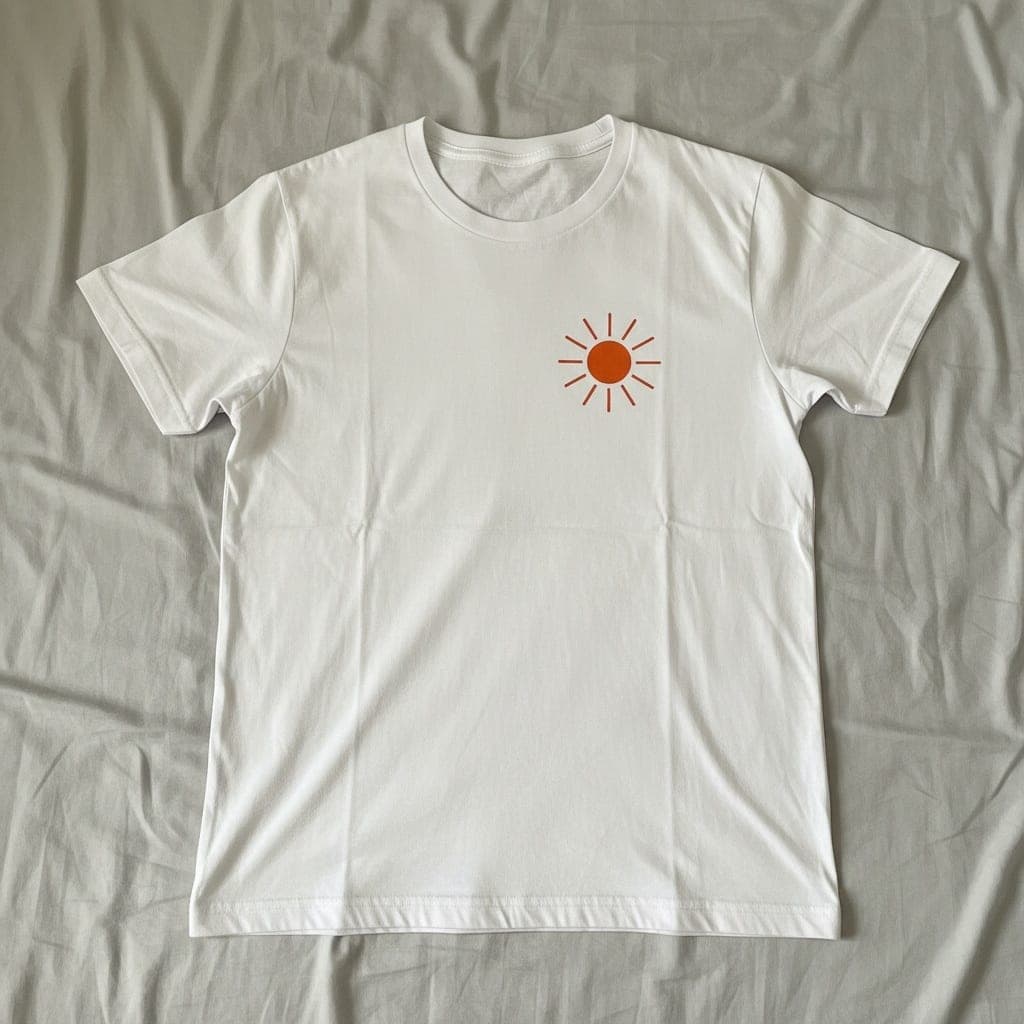 Flat lay
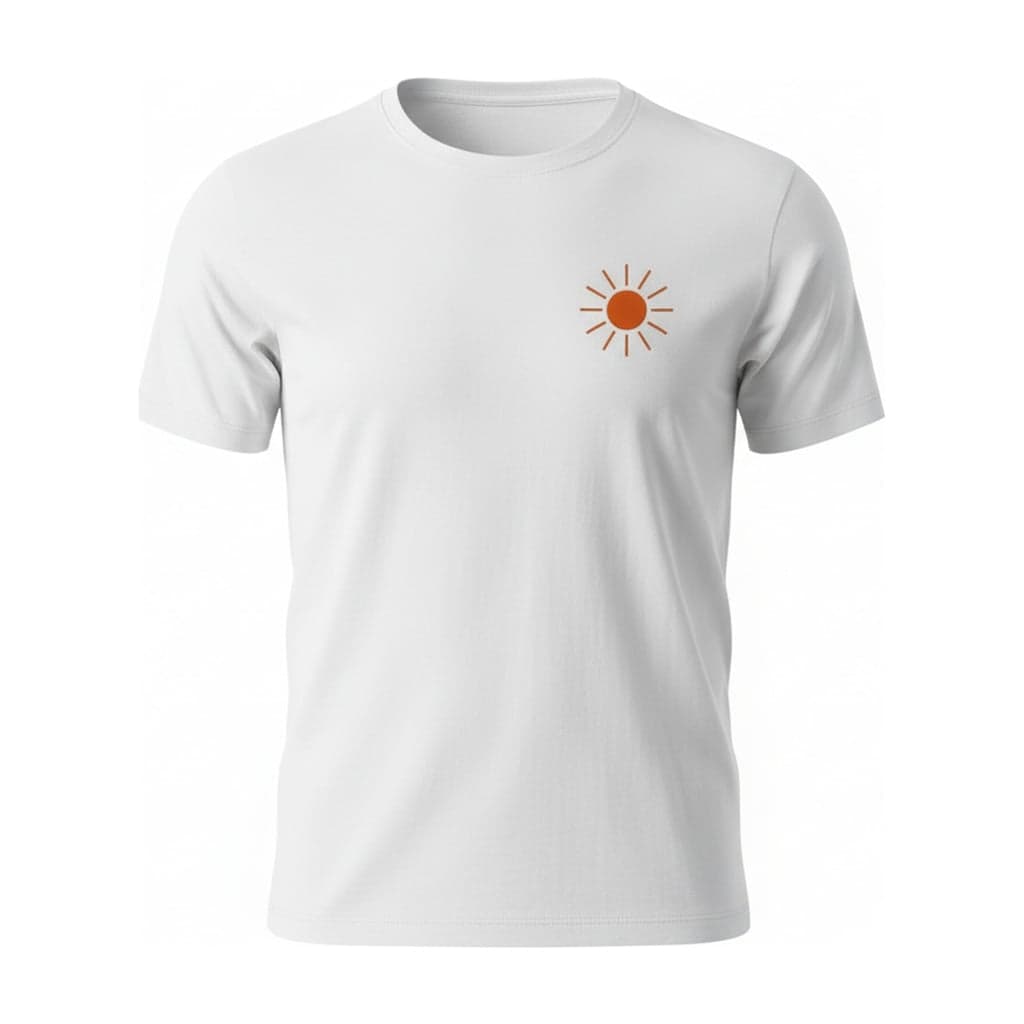 Ghost mannequin
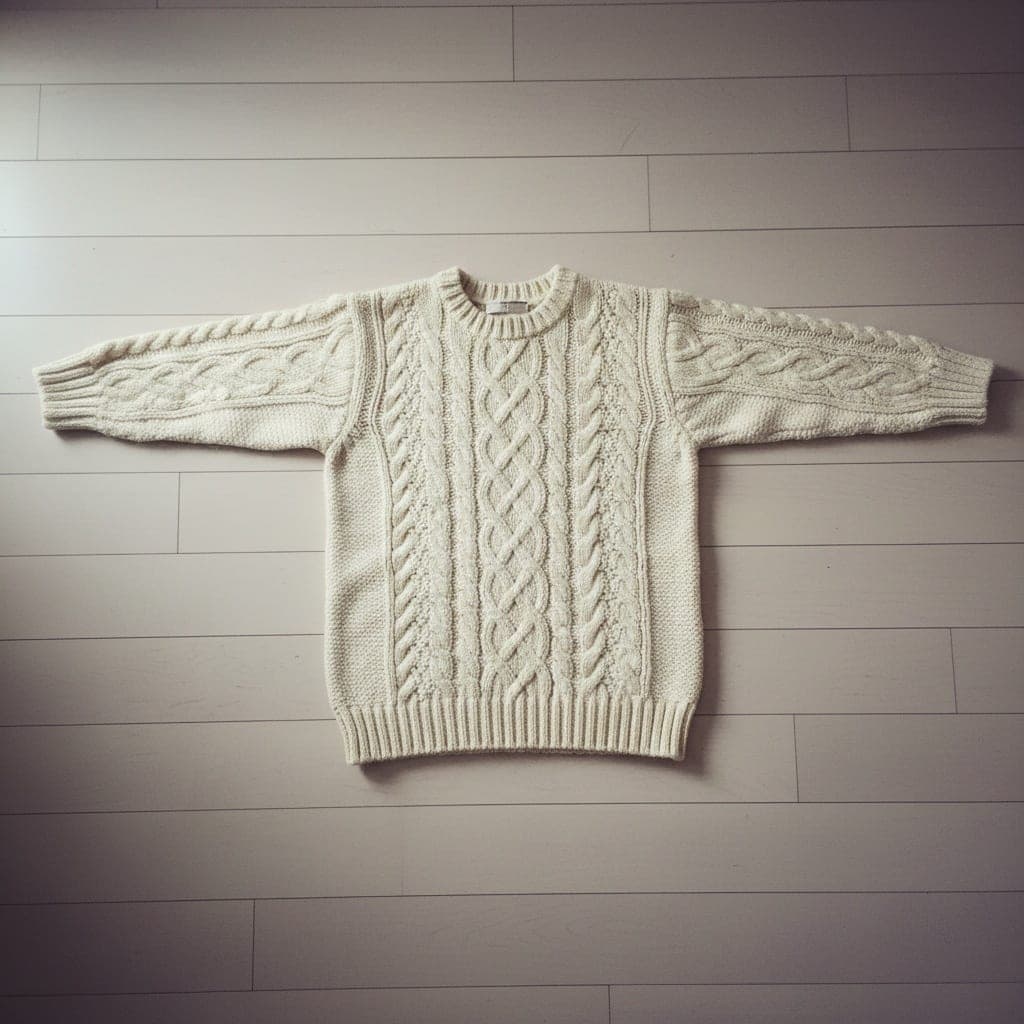 Flat lay
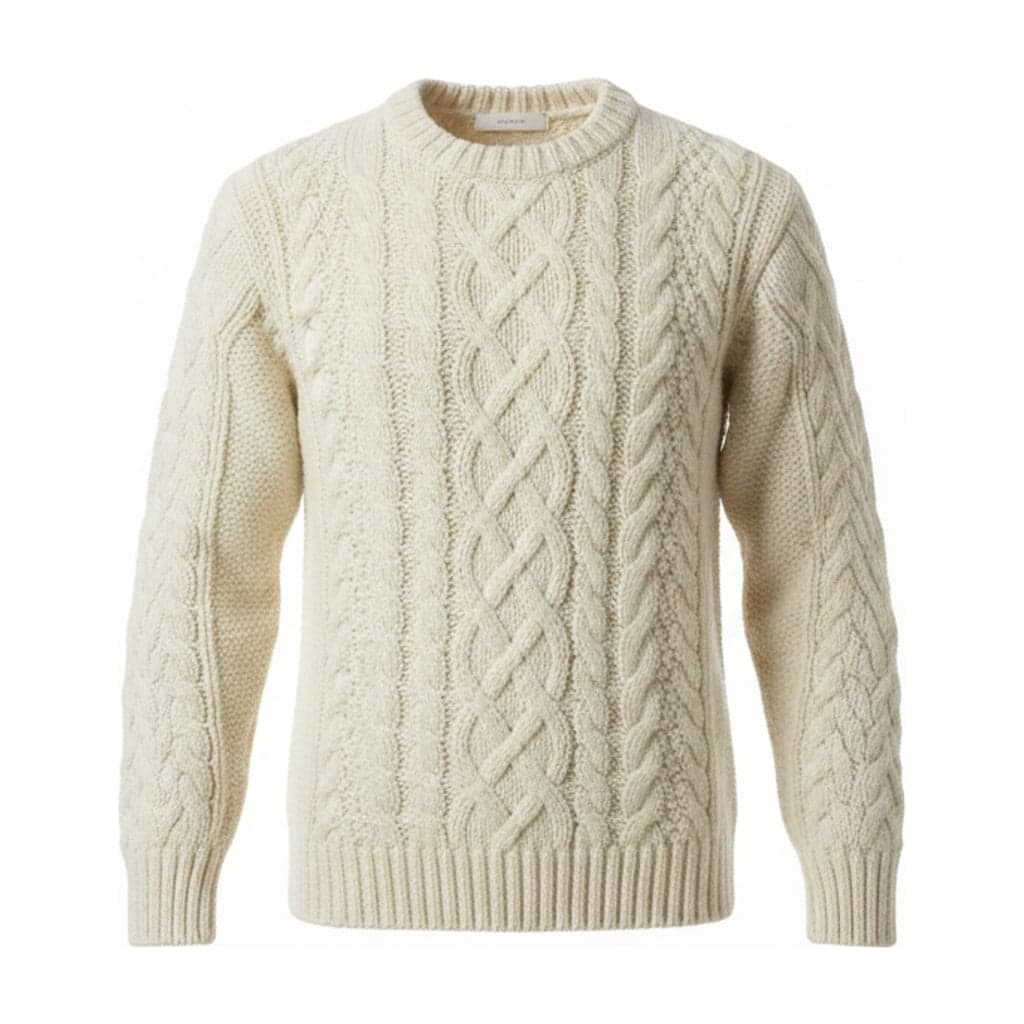 Ghost mannequin
Why Sellers Want the 3D Version
A flat lay shows the whole garment at once, but it doesn't show how it fits. A ghost mannequin image shows the shape the garment takes on a body: how the shoulders sit, how a sweater falls, how deep a neckline is. Many stores use both, with the ghost mannequin as the main image.
Shooting a real ghost mannequin needs a mannequin with removable parts and two photos per garment. If you've already shot your stock flat, this gets you the 3D look without a reshoot.
What Changes and What Doesn't
Kept from your photo
Color, print, logo, text, stitching and texture. The AI is told not to add or redesign any detail.
Drawn by AI
The 3D volume and the inside of the neck. A flat photo doesn't contain this information, so it's generated.
Set by you
The background, aspect ratio and padding, the same for every product in your catalog.
Flat Lays That Convert Well
- 01
Smooth and symmetrical
Lay the garment flat with no folds, sleeves straight out or along the sides, and shoot from directly above.
- 02
Plain surface
A light, plain surface that contrasts with the garment. Avoid patterned bedding and busy floors.
- 03
Tops work best
T-shirts, shirts, sweaters and hoodies give the most reliable 3D shapes. Check fitted or unusual cuts carefully.
Flat Lay to Ghost Mannequin FAQ
Is the 3D shape accurate to how my garment fits?
It's a realistic shape, not a measurement. The AI can't know exactly how your garment drapes, so compare the result with the real piece before you publish it.
Will the print stay sharp?
The print is kept from your photo. A sharp flat lay at least 800 px on the short side gives the sharpest print in the result.
Can I make a back view from a flat lay of the back?
Yes. Choose Back under "Which side of the garment?". No inner neck is added to back views.
What does it cost?
1 credit per image, and a failed image gives the credit back.