
Skip to content

Use cases for clothing product photos

Start from the photo you have or the store you sell on. Each use case opens the tool with the right settings, and the platform notes sum up what each marketplace asks for in a main image.

Start from your store

What each platform asks for in a clothing main image, and the settings that match it.

Amazon

01
  • The main image must have a pure white background (#FFFFFF).
  • The product must fill at least 85% of the image.
  • Images need 1,000 px or more on one side for zoom.
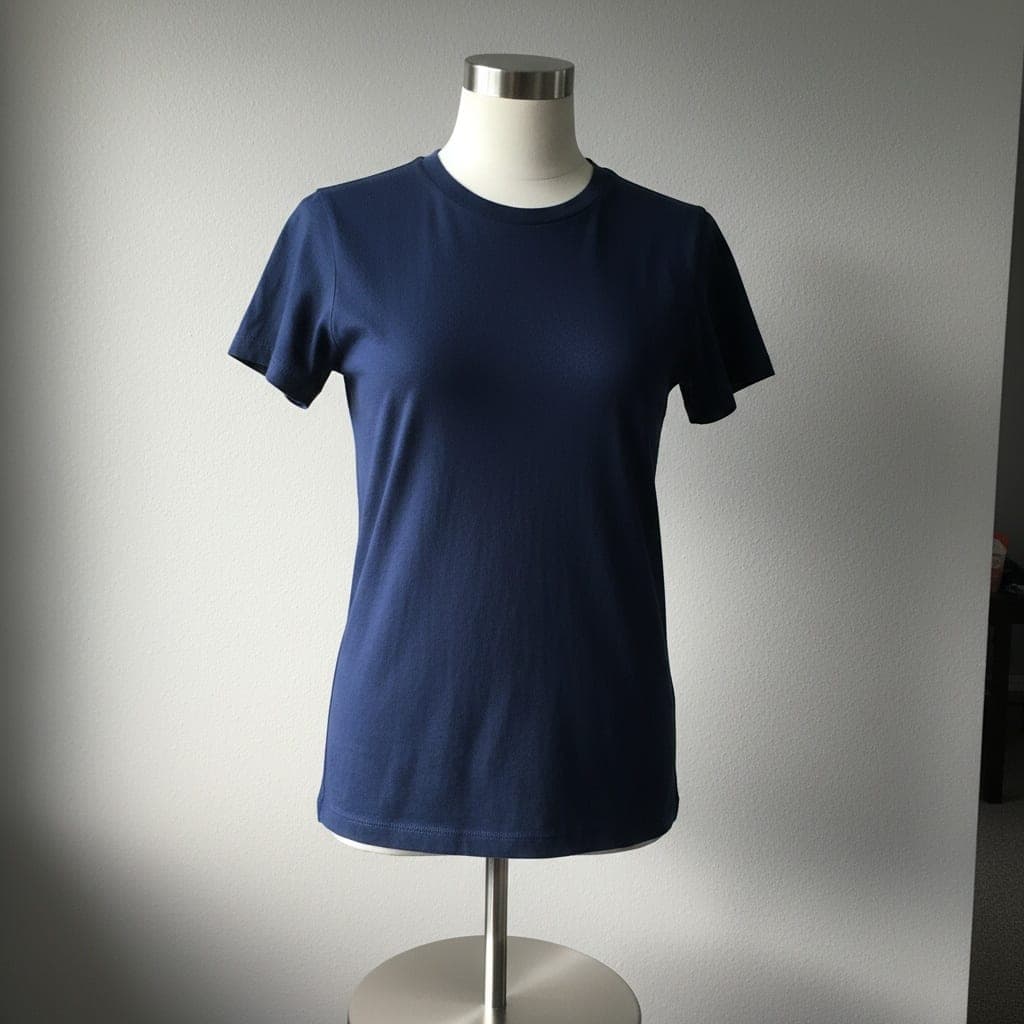
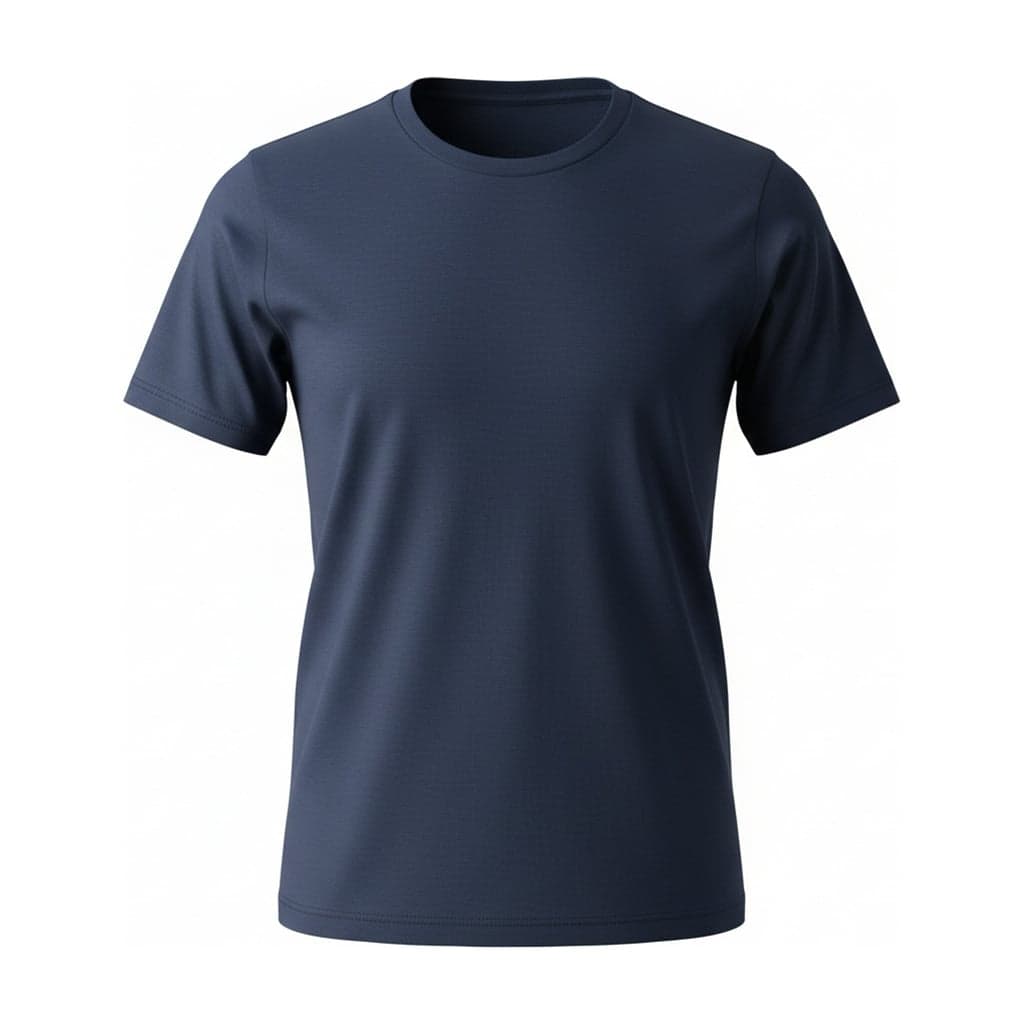
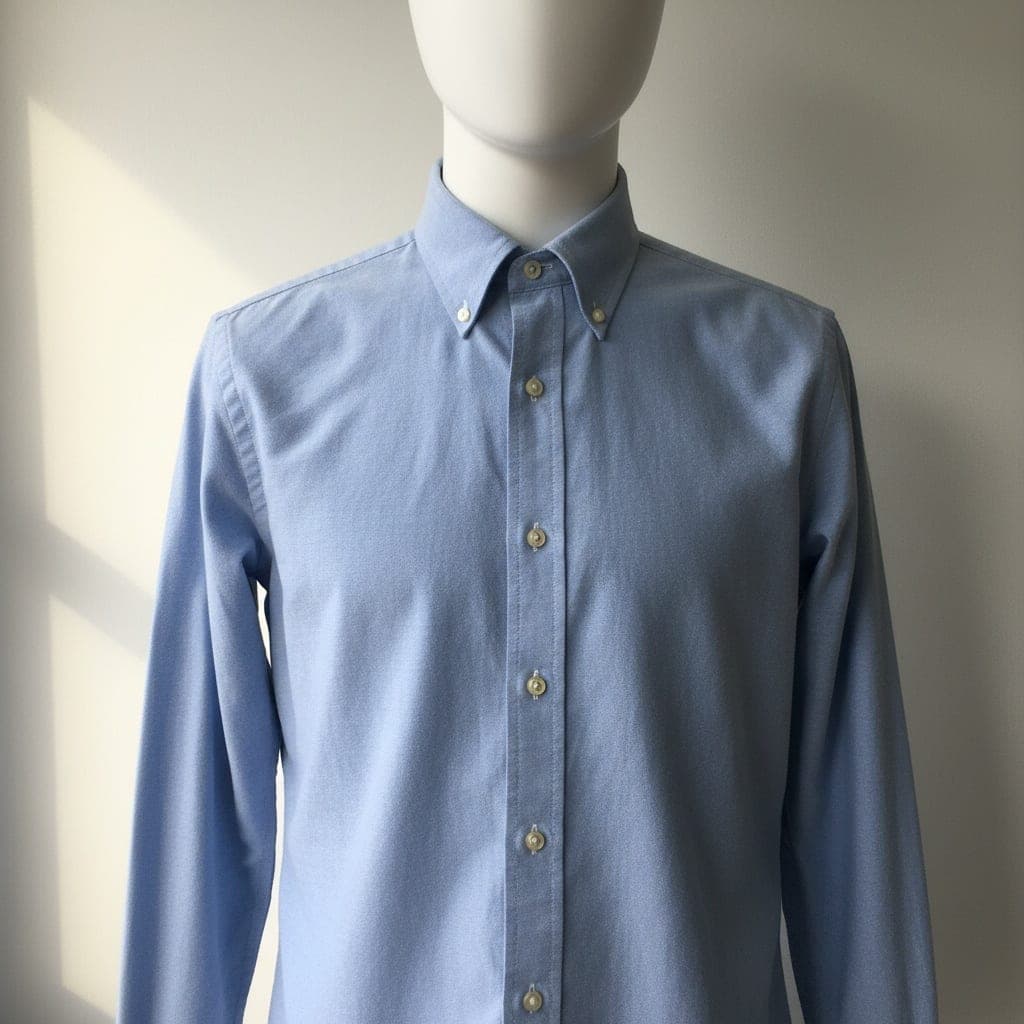
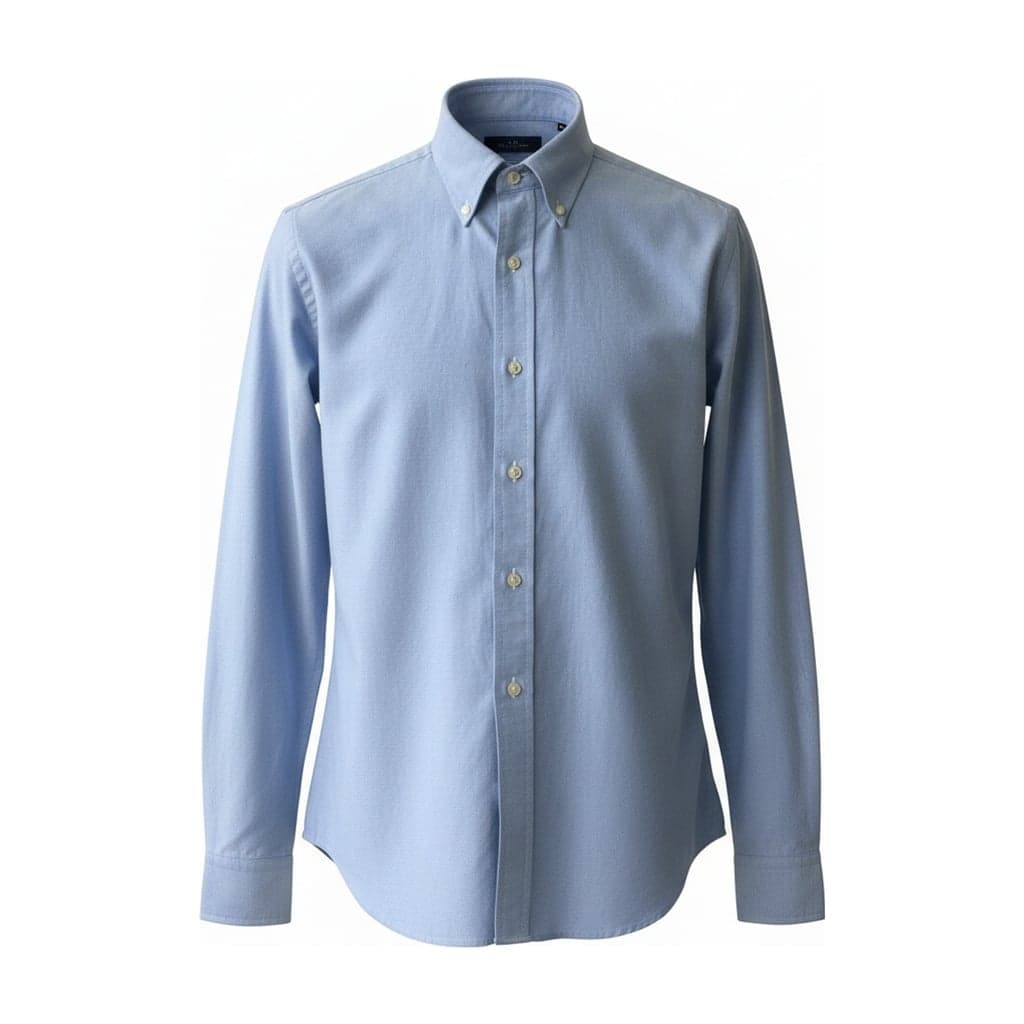
  • No visible mannequin or hanger in the main image. Adult clothing is preferably shown on a model; ghost mannequin and flat shots are allowed, and children's clothing should be shot flat or on a ghost mannequin.

Settings that match

  • Ghost mannequin
  • White
  • 1:1 · 2048 × 2048
  • Tight

Shopify

02
  • Square product images usually display best at 2048 × 2048 px.
  • Images can be up to 5000 × 5000 px and must be smaller than 20 MB.

Settings that match

  • Ghost mannequin
  • White
  • 1:1 · 2048 × 2048
  • Standard

eBay

04
  • At least 500 × 500 px; about 1600 × 1600 px is recommended.
  • White backgrounds generally work best.
  • Don't add logos, badges, watermarks or other graphics.

Settings that match

  • Ghost mannequin
  • White
  • 1:1 · 2048 × 2048
  • Standard

Checked against each platform's help pages in October 2026. Platforms change their rules, so check the source before a large upload.