
Clothing Photos for Your Etsy Shop
Etsy buyers shop with their eyes, and a shop where every thumbnail looks the same feels trustworthy. Upload a hanger or mannequin photo and get a flat lay on light wood, linen or a clean background, sized well above Etsy's recommended minimum.
Standard · 2 credits per generation
2K source for finer fabric and print detail. Check each result against your garment.
Download: 2048 px on the short edge.
- Photo
- Settings
- Result
Works best
- One garment, fully in frame
- Straight-on, evenly lit
- Plain background
Avoid
- Cropped hems or sleeves
- Busy backgrounds or several garments
Next generation settings
Framing reference only. These settings apply to the next generation and do not edit the current result.
Output: 2048 × 2048 px · JPG
Sign in with email or Google. New accounts can try 1 Standard image (2 trial credits). Watermarked preview; unlock this already-generated image for $0.50 via PayPal. Trial credits are granted after email verification; Google sign-in counts as verified.
Uses 2 credits per image. A failed image gives the credit back.
- Private storage: your photos are not publicly displayed
- Failed images give the credit back
- 2048 px downloads in 1:1, 4:5 or 3:4
- Packs from $2.99 · no subscription
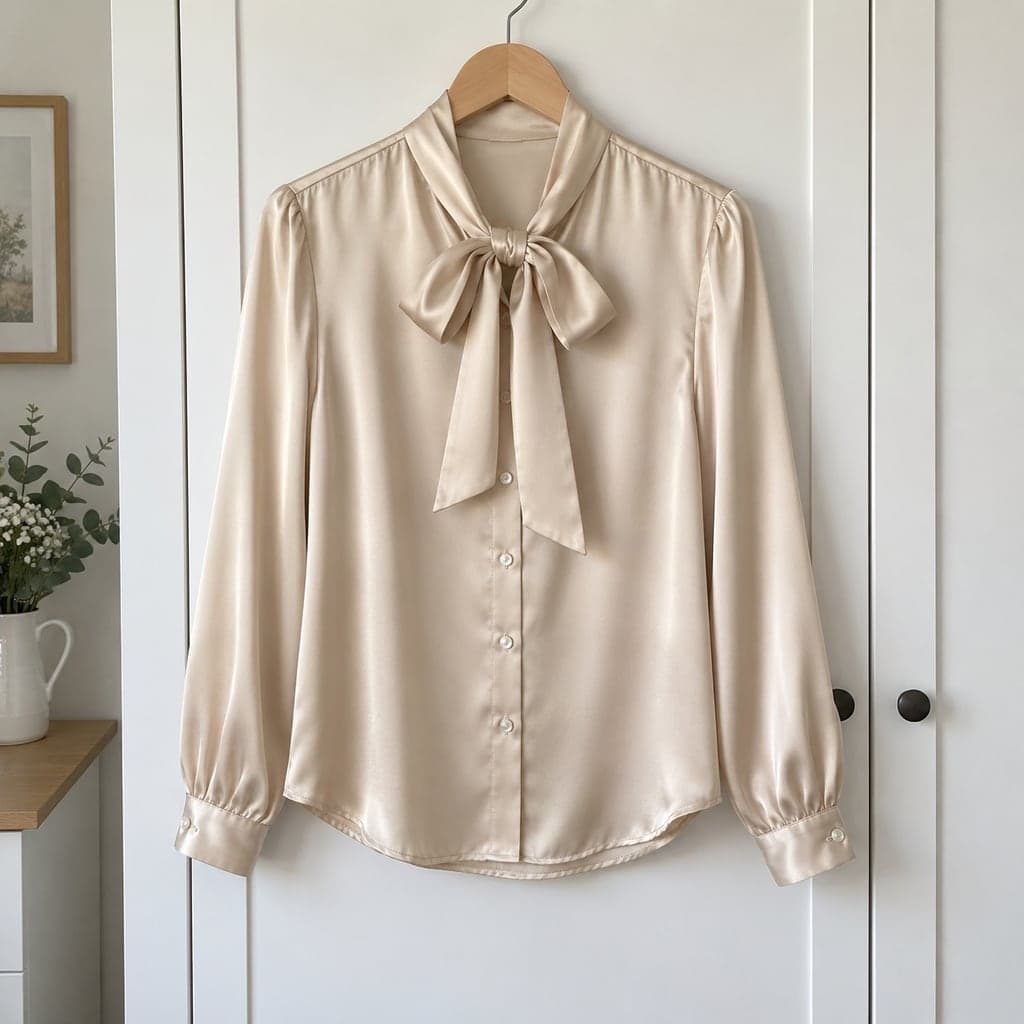 Hanger
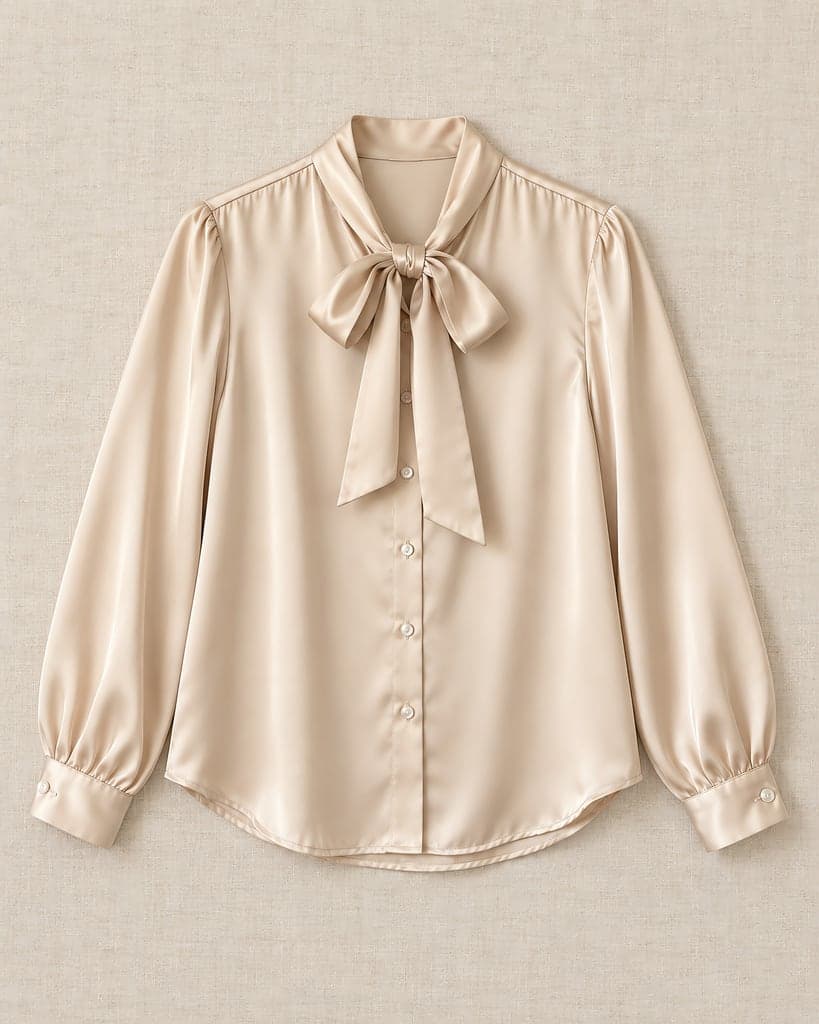 Flat lay
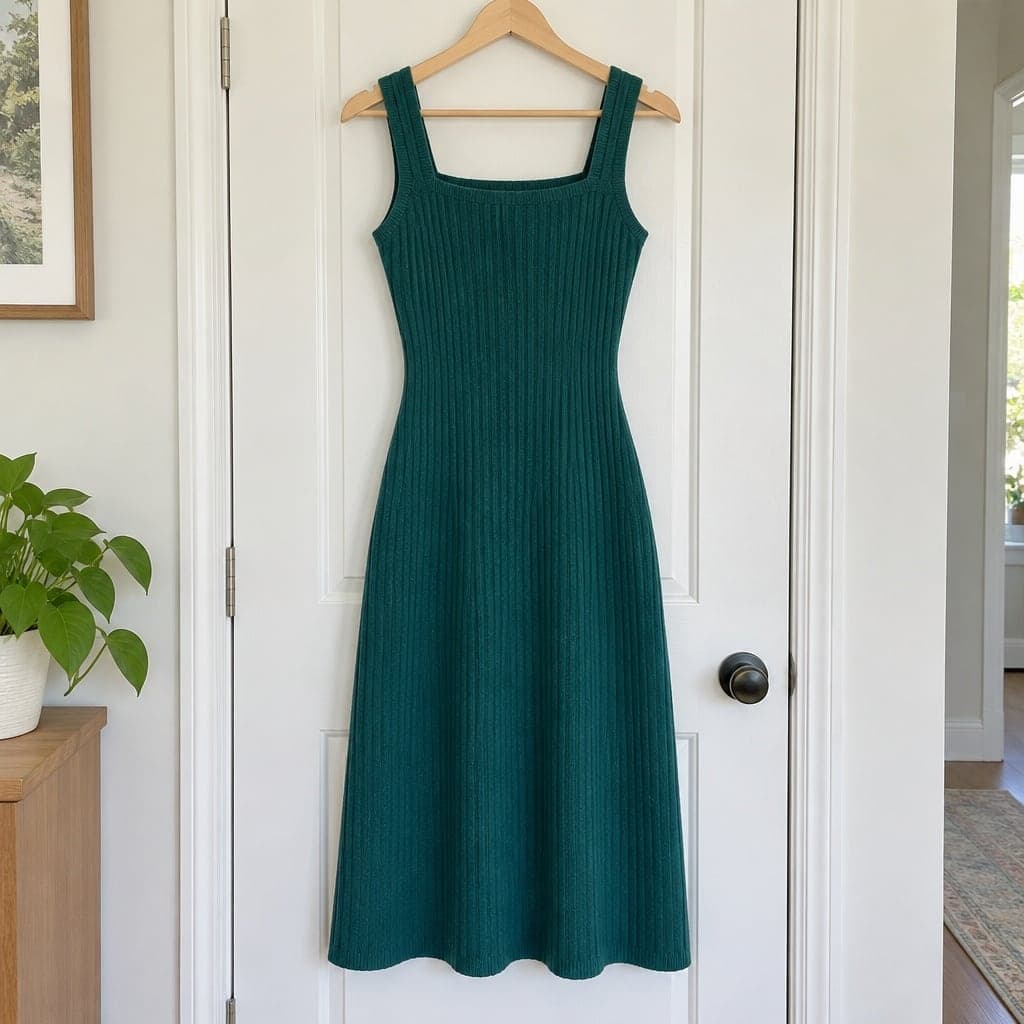 Hanger
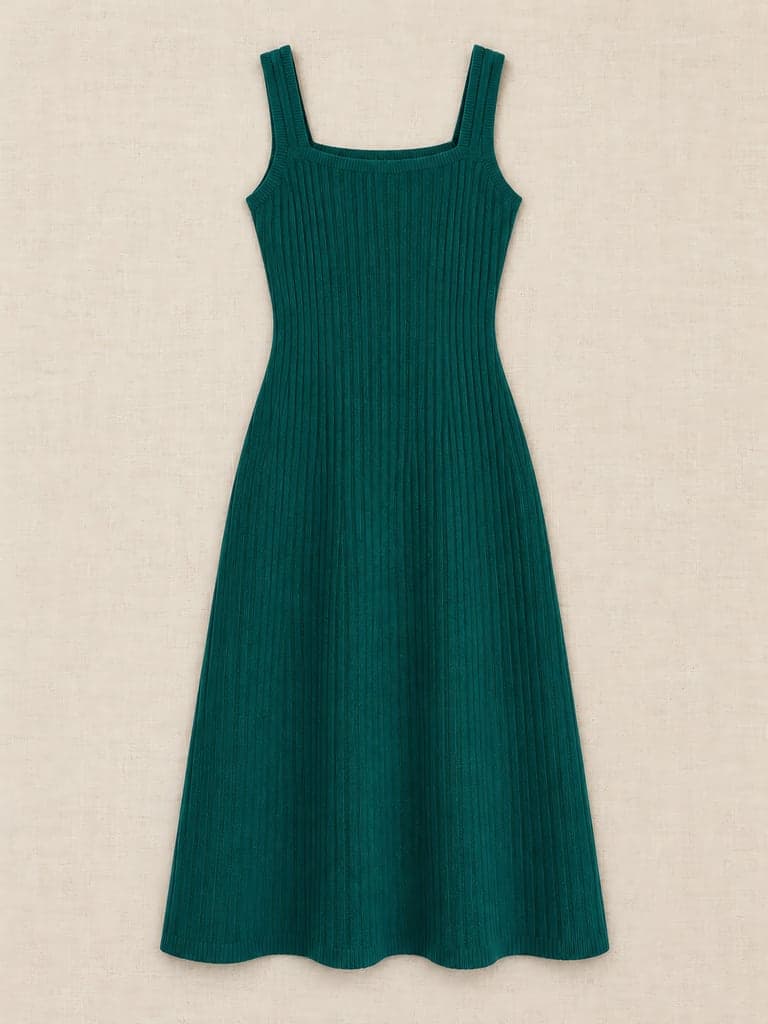 Flat lay
Compare the original photo and result, including the neckline, print and fabric.
Have a similar clothing photo?
Try your own garment. One clear main photo is enough to start; extra reference photos are optional.
What Works on Etsy
Use a clear first photo that represents the actual garment. Etsy recommends a landscape or square first image; this tool supports square 1:1, but no landscape ratio.
The light wood and linen backgrounds here were made for that look. White and light gray are there too if your shop is more minimal.
Etsy Photo Basics
Checked 2026-11-13. Etsy requires at least one unedited photograph of the actual item against a real-life background; listing-type exceptions apply.
Size
Etsy recommends listing photos at least 2000 px on the shortest side. Every download here is 2048 px on the short edge.
Thumbnail crop
Search results show a cropped thumbnail. Standard or Loose padding keeps the whole garment visible when it's cropped.
More photos
Include an unedited photograph of the actual item, plus close-ups of fabric, tags and condition. Use an AI flat lay only as a supplementary presentation after checking it against the garment.
For Vintage Sellers
Show the real condition with unedited photos of the garment, label, fabric and any wear or marks. An AI flat lay can supplement those photographs, but must not hide damage or change the item. Take measurements from the real garment.
Parts your photo doesn't show, like the back of the sleeves, are drawn by AI. Compare the result with the piece before you list it.
Etsy Photos FAQ
Which aspect ratio should I use for Etsy?
Choose 1:1 for the first image. Etsy recommends landscape or square first images; this tool has no landscape output ratio.
Can I use these images on Etsy?
Etsy requires an unedited actual-item photo, with exceptions for some listing types. An AI image must represent the item accurately and cannot hide flaws. Keep original detail and condition photos, check the current policy and exceptions, and only upload photographs you have permission to use.
Can I turn off the shadow?
Yes. Untick "Soft shadow under the garment" before you create the image.
Does it work for handmade knitwear?
Yes, but check the texture: the AI can smooth out a fine knit. Start from a sharp, well-lit photo at least 800 px on the short side, and add a close-up of the real knit to your listing.