AI Fashion Model Generator: Put Your Clothes on Virtual Models
Put your clothes on models without a photoshoot. Turn a ghost mannequin, flat lay or mannequin photo into on-model product photos with up to four virtual models from our library of AI women, men, plus-size and kids' models, then pick the pose, framing and background.
1. Your garment
A ghost mannequin or flat lay result works best. Mannequin, hanger and on-model photos also work: the person in the photo is replaced.
For a whole set, keep Auto-detect or choose Set; to show only one piece of it, choose that piece. Underwear, swimwear and sleepwear are not supported.
2. Choose up to 4 models
0 of 4 selectedFraming only sets how much of the model is in the picture. Which pieces the model wears comes from What is it?
A failed image gives the credit back.
AI-generated models, not real people. The fit shown is an illustration: check the garment details and describe real sizes and fit in your listing.
- Private: only you can see your photos
- Failed images give the credit back
- 2048 px downloads in 1:1, 4:5 or 3:4
- One-time packs available
On-Model Photo Examples
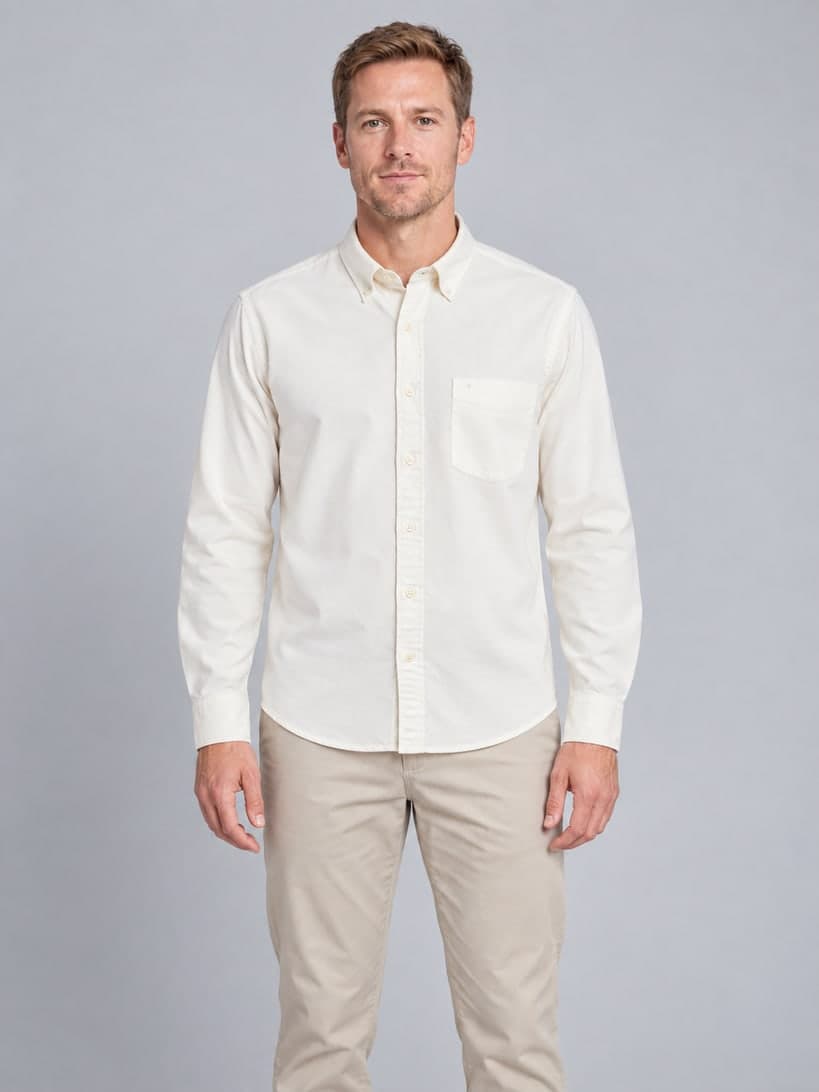
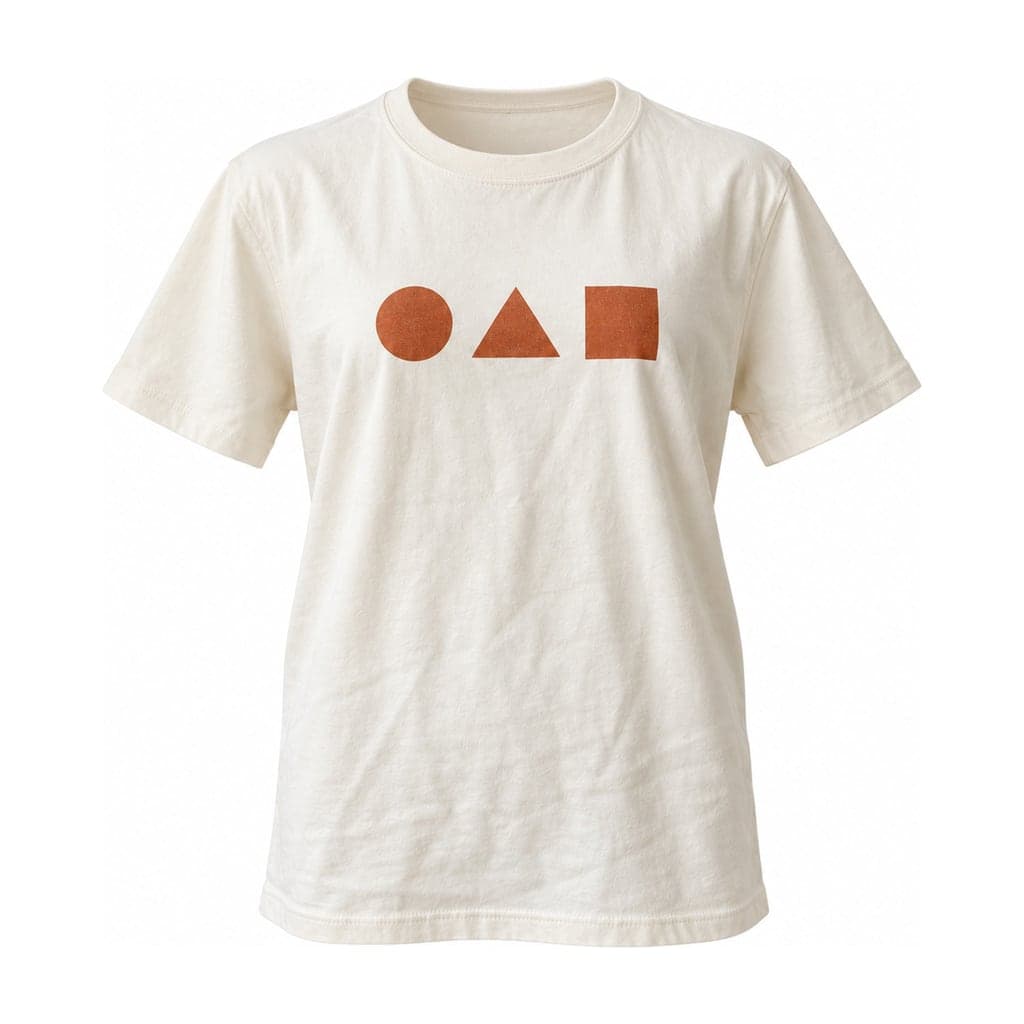
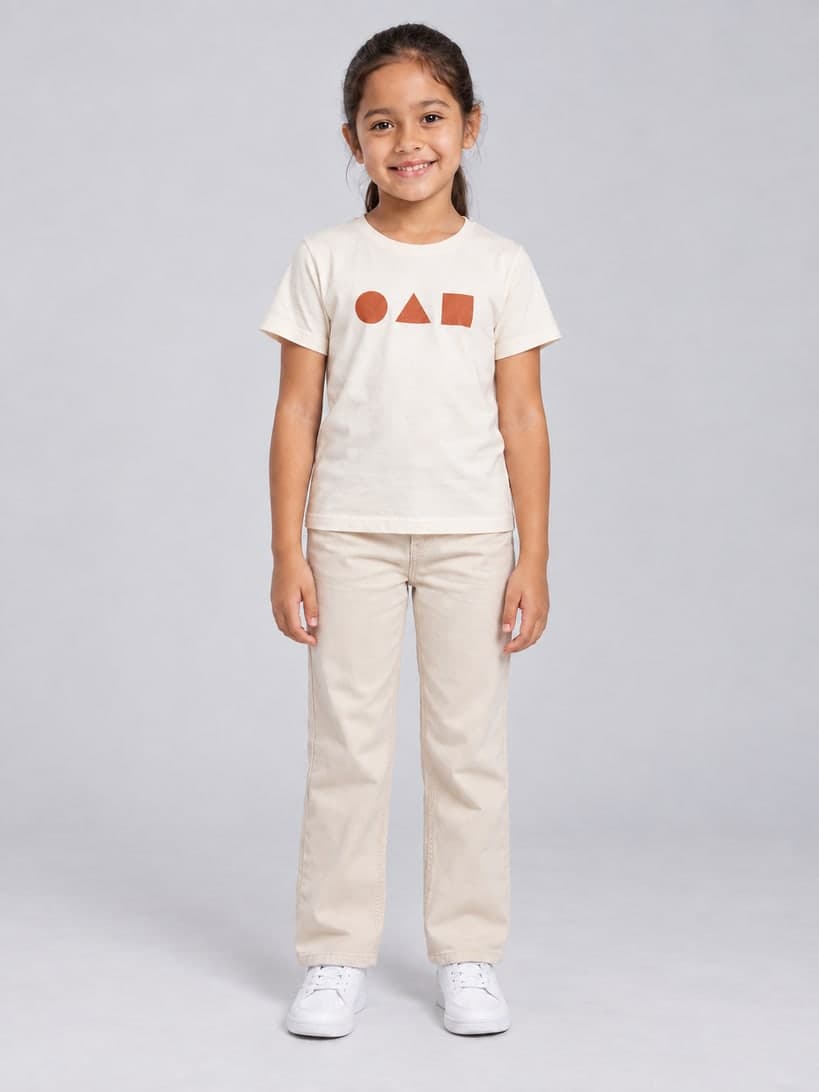
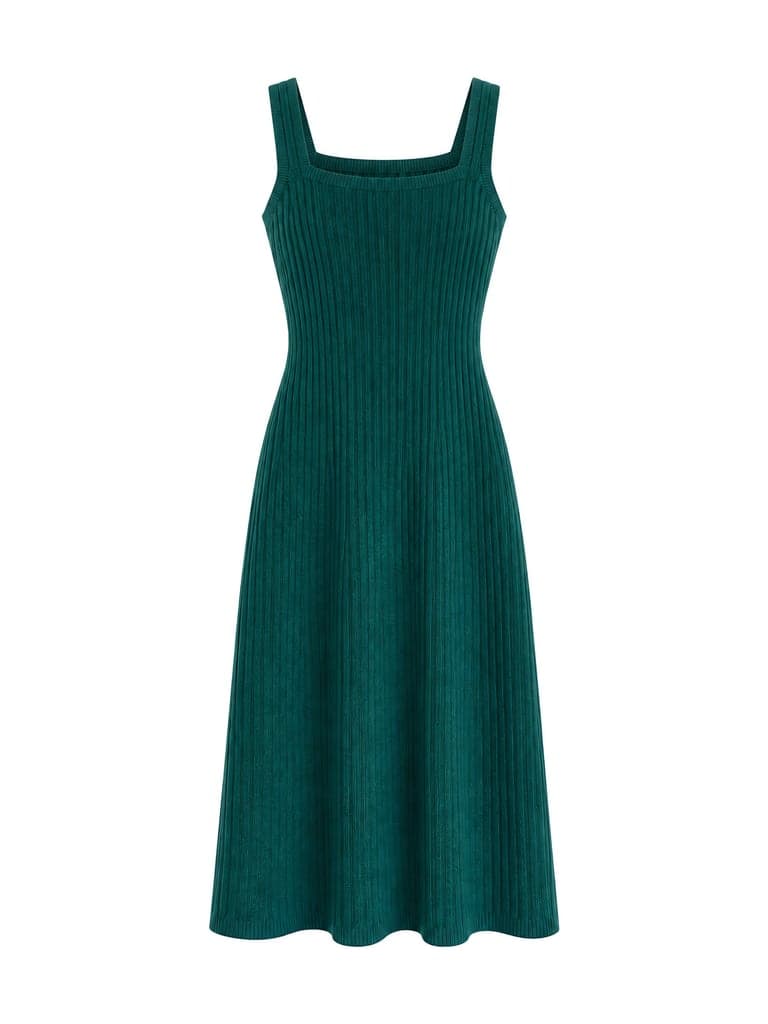
Each pair shows the garment image and the same garment on a library model, made with the live tool. The original photos in these examples are AI-generated sample garments, not customer photos. Anything that differs from the original is noted under the image.
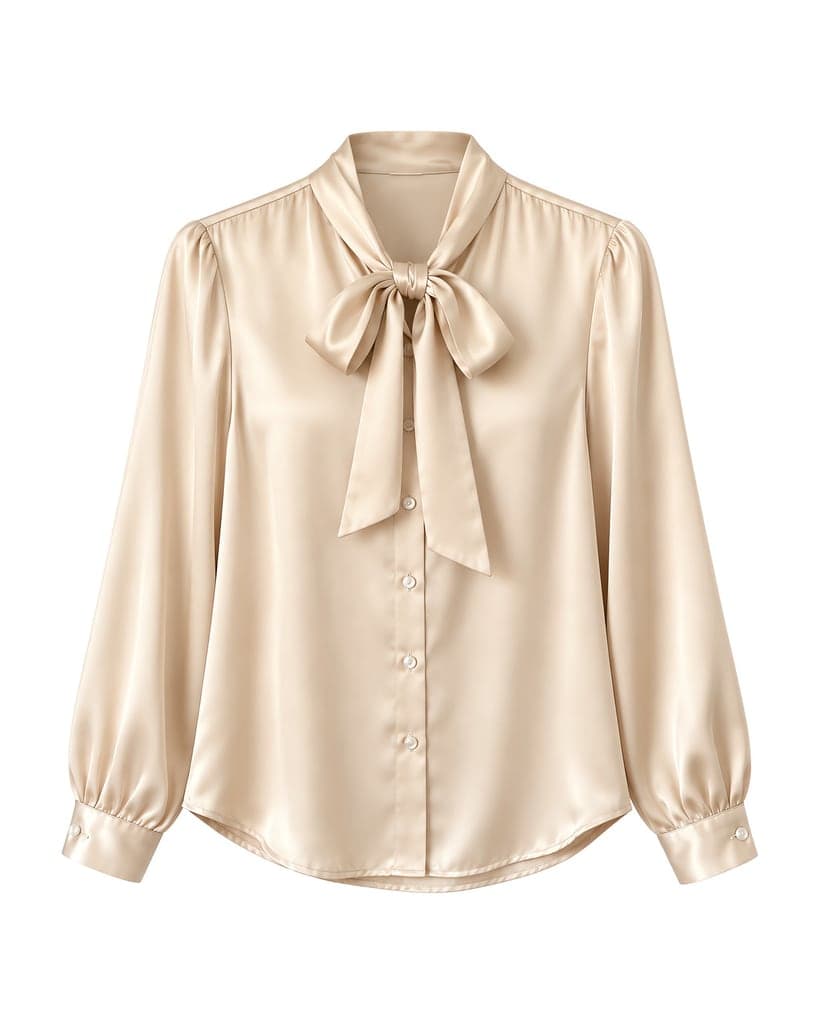 Garment
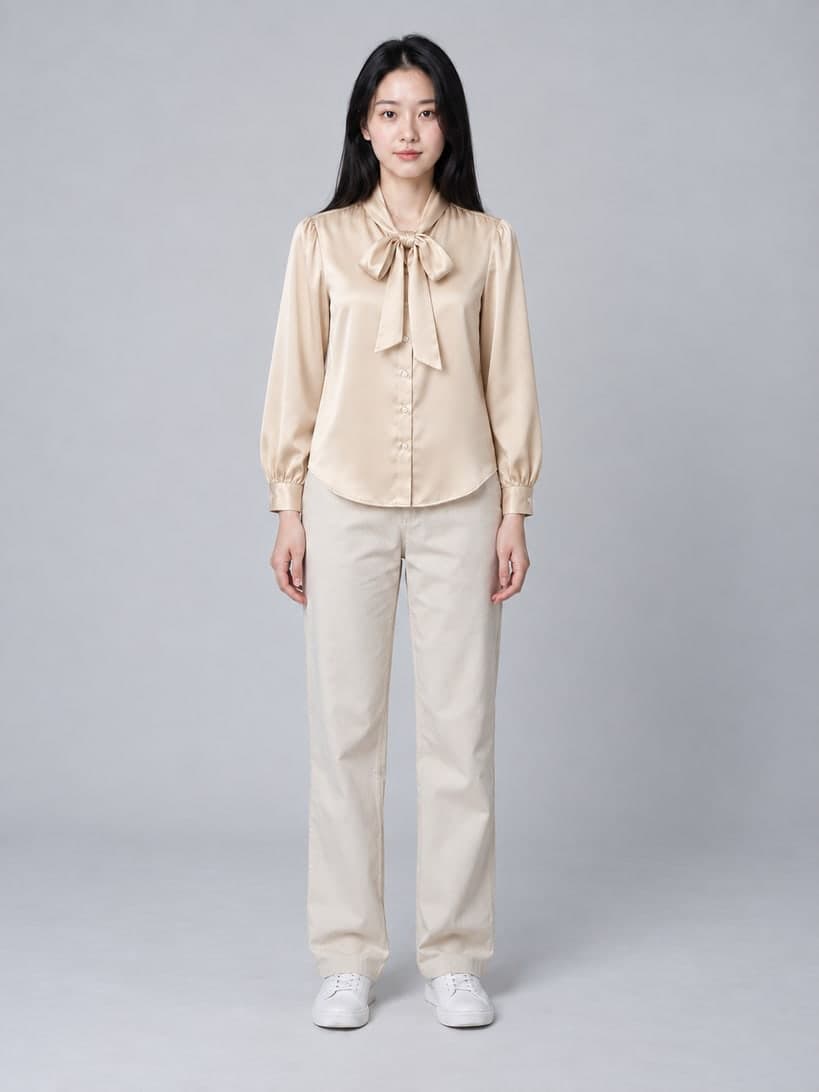 On model
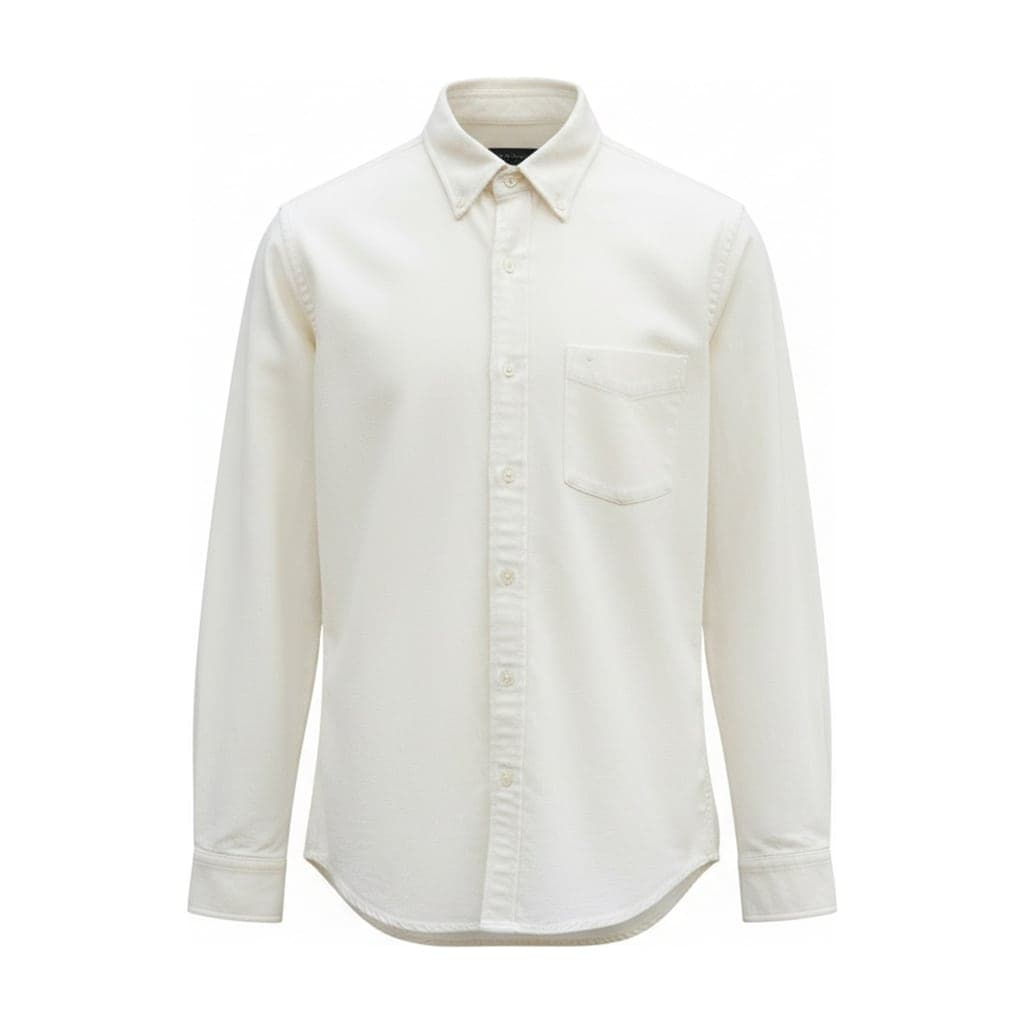 Garment
 On model
 Garment
 On model
 Garment
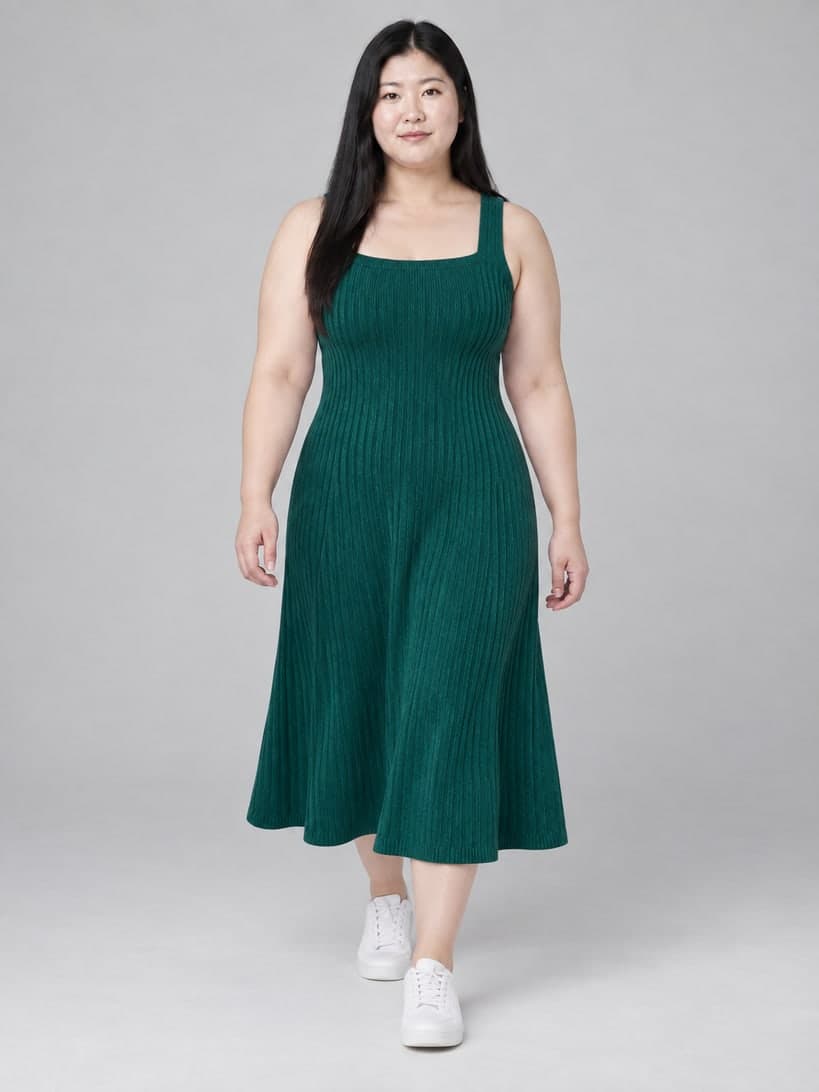 On model
How to Put Clothes on a Model with AI
- 01
Start from your garment image
Use a ghost mannequin, flat lay or color result (Put on a model under it), or upload a mannequin or hanger photo. The garment type is detected automatically, including two-piece sets, or you can choose it.
- 02
Choose models and settings
Filter by gender, age and body, pick up to four models, then choose framing, pose, background and ratio.
- 03
Check and download
Compare each photo with the garment image, then download 2048 px images for your listings.
When On-Model Photos Work Best
The tool keeps the garment from your image and shows it on a library model. These inputs give the most reliable results.
A clean garment image
Ghost mannequin and flat lay results show the whole garment clearly, so the AI has the least to guess.
The right garment type
Tops and jackets are worn with the model's plain trousers, bottoms with a plain white t-shirt, and dresses replace both.
The same models across a collection
Each library model's photo is used as the reference for every image, so the face and body stay consistent and a whole collection can share one or two models.
What Is a Virtual Model?
A virtual model is an AI-generated person used to show clothes, instead of a model booked for a photoshoot. Our library models are generated people with fixed faces and bodies, so the same virtual model can wear every item in a collection.
Compared with a fashion model photoshoot, there is no booking, studio, styling or retouching, and you can show the same garment on several ages and sizes in minutes. What you give up is real fit: a photoshoot shows how the garment actually sits on a body, while an AI model shows a plausible drape.
Many stores use both: real model photos for hero items and campaigns, and clothes on virtual models to show every product and colorway consistently.
What the AI Changes and What It Keeps
The AI is told to keep the garment's color, fabric, print, collar, buttons, pockets and lengths, and to keep the model's face, body and age. It draws how the garment drapes on the body, which your image cannot show.
The fit is an illustration, not a measurement: a garment can look longer, shorter or looser than it really is on a person of that size. Fine prints, small text and sheer fabric can change. Describe real sizes and fit in your listing and keep real close-up photos.
Models come only from our library: the person in your garment photo, if there is one, is never used. Underwear, swimwear and sleepwear are not supported. Children's models are used for regular children's clothing in neutral catalog poses.
Check Each Photo Before You Publish
On-model photos set buyers' expectations about fit. Before you use one, compare it with the garment.
Details
Count buttons and pockets and check collar, print, logo and hem against the garment image.
Length and fit
Check that sleeve and hem lengths look plausible, and state the model size and real measurements in your listing if you have them.
Disclosure
These are AI-generated models. Follow your marketplace's rules on generated images and don't present them as real customer photos.
Pricing
Each model is one image: 1 credit in basic mode, 2 in standard mode, the same as the other tools. Four models in basic mode use 4 credits. A failed photo returns its credit. Trial credits require email verification (Google sign-in counts). Credits are sold in one-time packs.
See pricingFAQ
Are the models real people?
No. Every model in the library is AI-generated. The model's photo is used as the reference each time, so the face and body stay consistent across your photos.
What is a virtual model?
An AI-generated person used to show clothes in product photos. Ours come from a fixed library, so each model looks the same across your catalog.
Is an AI model cheaper than a model photoshoot?
Usually: each photo here costs 1 credit in basic mode, with no booking or studio. A photoshoot is still the better choice when you need to show exact fit or a campaign look.
Is this an AI photoshoot for my clothing?
For product photos, yes: you get studio-style images of AI-generated models wearing your garment, without booking a shoot. It does not edit photos of real people; the library models are the only people it shows.
Can I put clothes on a model from a flat lay photo?
Yes. Flat lay, ghost mannequin, mannequin and hanger images all work. Flat lays and ghost mannequin results give the clearest view of the garment, so the AI has the least to guess.
Can I upload my own model or a photo of a person?
You can't choose a person from your photos as the model: models come only from our library. Your garment photo can show someone wearing the clothes, for example a supplier photo; only the clothing is used, and the person is replaced by the library model you choose.
Which models can I choose?
Women and men in their 20s, 30s to 40s and 50s and over, plus-size women and men, and girls and boys aged about 4, 7 and 11.
Which garments work?
Tops, jackets and coats, trousers and skirts, dresses and one-pieces, and sets of a top and a bottom: both pieces are put on the model. Underwear, swimwear and sleepwear are not supported.
Does the photo show the real fit?
No. The AI draws a plausible drape, not the garment's measured fit. Use the photos to show style and color, and give real sizes and measurements in your listing.
What size are the downloads?
2048 px on the short edge, in 3:4, 4:5 or 1:1, as JPG.