
White Background Photos for Clothing
Turn mannequin, hanger or flat lay shots into clean product photos on a pure white background, with the garment centered and the same spacing in every image, ready for Amazon, Etsy, Shopify and other marketplaces.
- Photo
- Settings
- Result
Works best
- One garment, fully in frame
- Straight-on, evenly lit
- Plain background
Avoid
- Cropped hems or sleeves
- Busy backgrounds or several garments
Output: 2048 × 2048 px · JPG
Uses 1 credit per image. A failed image gives the credit back.
- Private: only you can see your photos
- Failed images give the credit back
- 2048 px downloads, ready for Shopify, Etsy and Amazon
- Pay once, no subscription
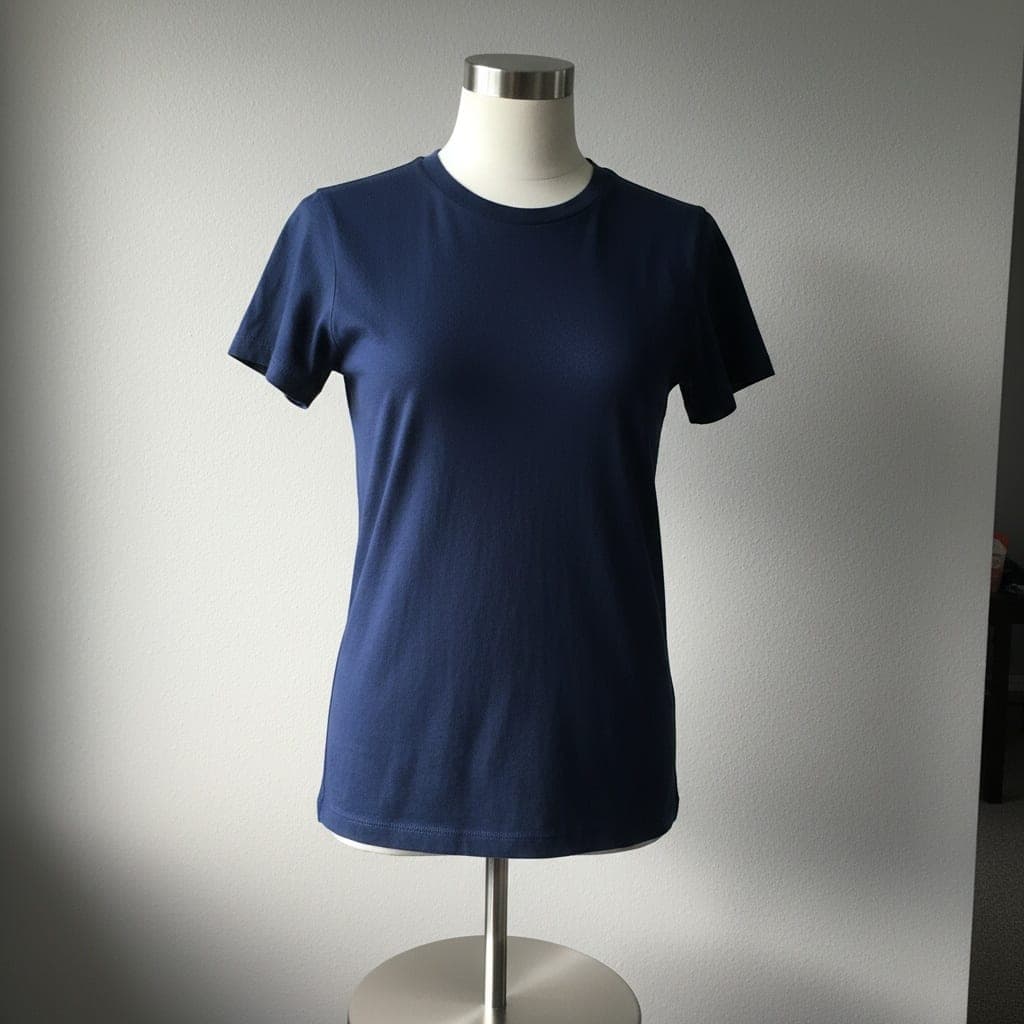 Mannequin
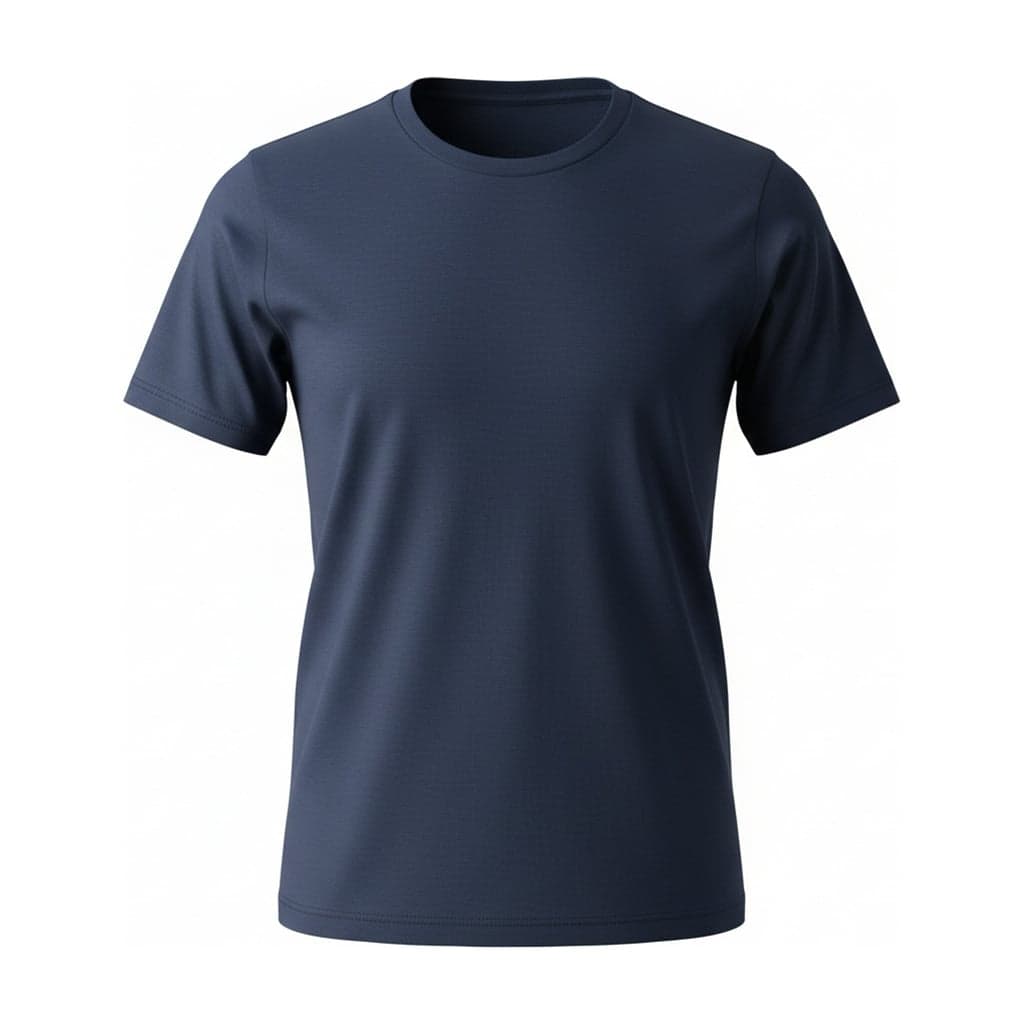 Ghost mannequin
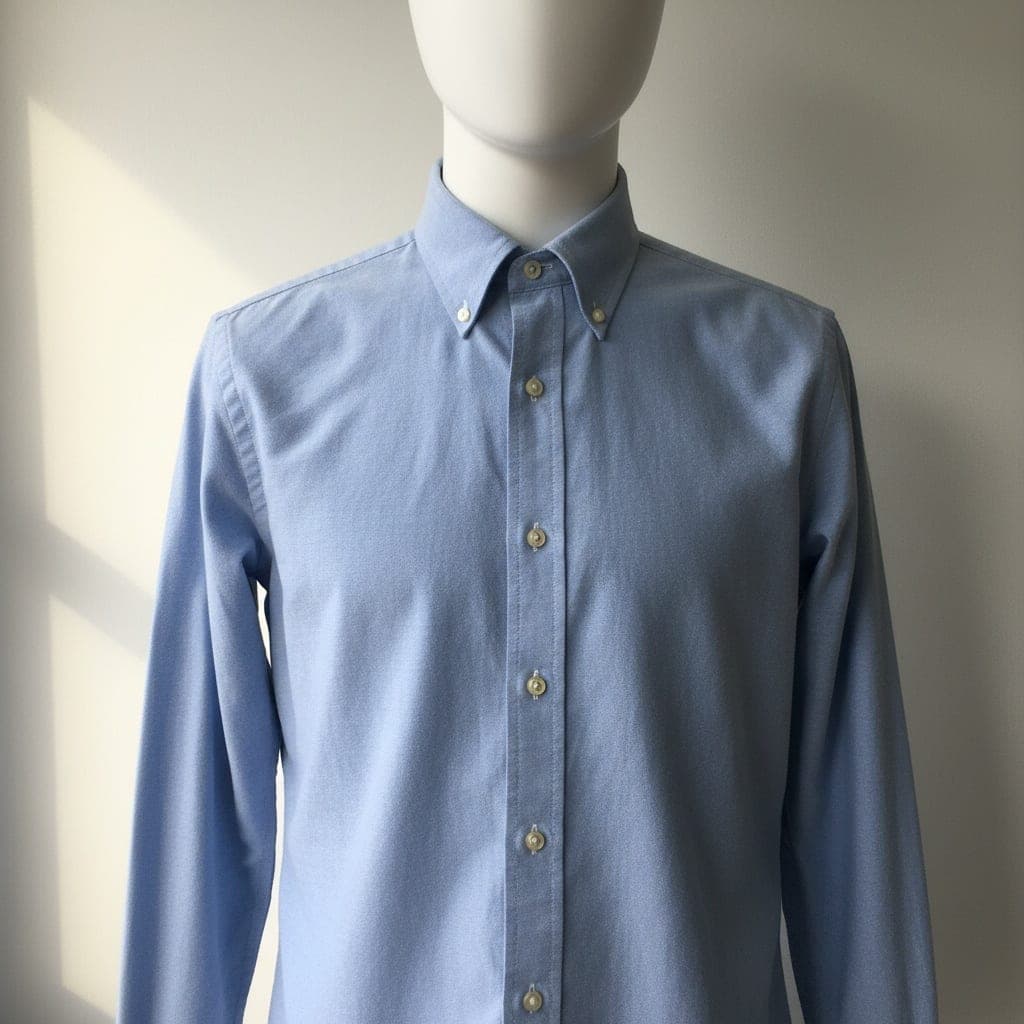 Mannequin
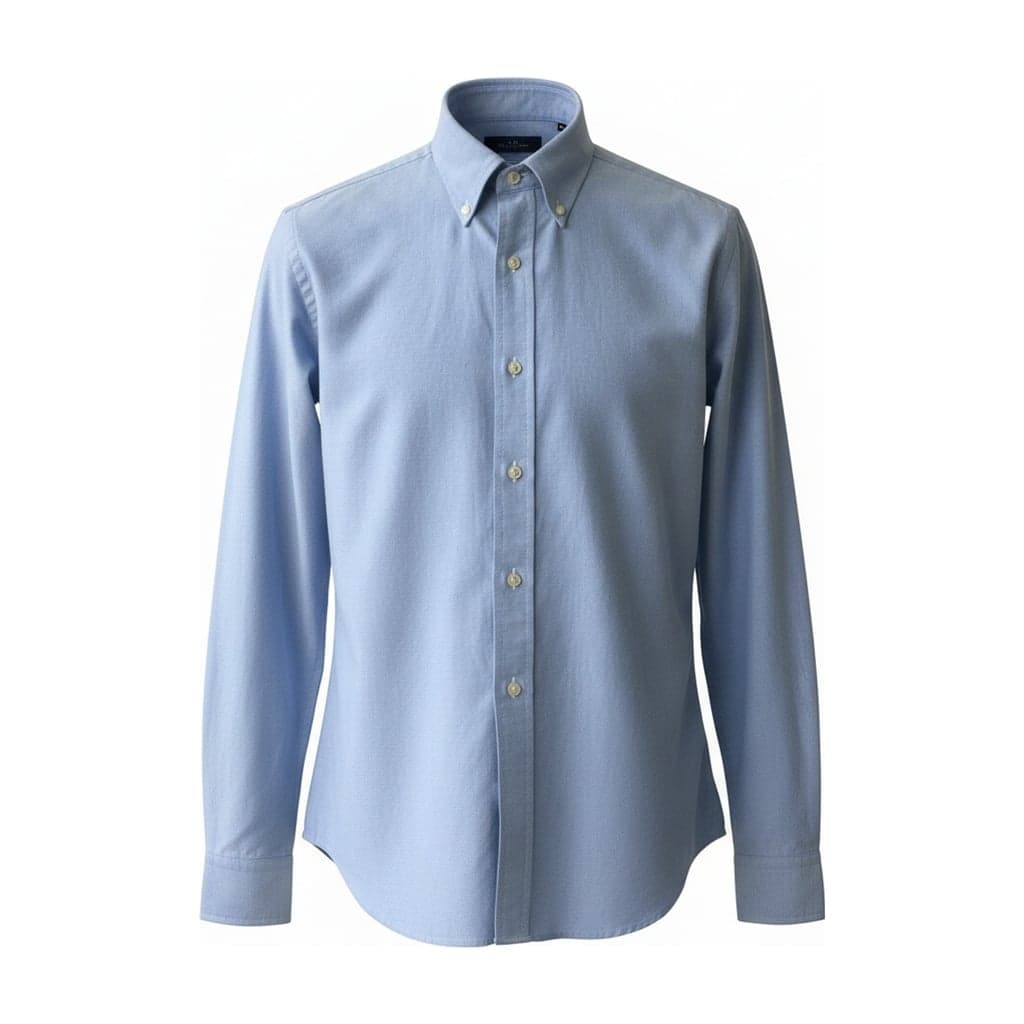 Ghost mannequin
Pure White, Not Almost White
A photo shot against a white wall is rarely white: it comes out light gray, slightly blue or uneven at the corners. On a marketplace page full of pure white images, that shows.
Here the background is set in post-processing, not by the camera or the AI, so it is exactly #FFFFFF (RGB 255, 255, 255) edge to edge. If your store looks better with a softer tone, choose light gray (#F2F2F2), or download a transparent PNG and place it on your own background.
Marketplace Basics
Amazon
Main images need a pure white background, and apparel main images shouldn't show a visible mannequin or hanger. Ghost mannequin, flat lay or on-model are the usual styles. Check your category's current style guide in Seller Central.
Etsy
Etsy recommends images at least 2000 px on the shortest side. Every download here is 2048 px on the short edge, in 1:1, 4:5 or 3:4.
Shopify
Shopify suggests square images at 2048 × 2048 for product photos. What matters most is one ratio across a collection, so product grids line up.
The Same Spacing on Every Product
Padding decides how much of the frame the garment fills: Tight uses about 90% of the canvas, Standard about 85% and Loose about 75%. Pick one and the tool remembers it, so a T-shirt and a long dress end up sized the same way in your listings.
Marketplace rules change, and some categories have their own. Treat the list above as a starting point and check the current requirements for where you sell.
White Background FAQ
Is the background really pure white?
Yes. White is applied after the image is generated, so the background is exactly #FFFFFF. White backgrounds download as JPG.
Will my image pass Amazon's review?
We can't promise that: reviews also look at the product itself, the category and the rest of the listing. The background, the lack of a visible mannequin and the image size meet the usual main image basics.
Can I add a shadow?
Ghost mannequin images have no shadow, which suits main images. If you want a soft shadow, the flat lay tool offers one on white.
Can I get a transparent background instead?
Yes. Choose Transparent and you'll download a PNG with no background, for your own backgrounds or ad layouts.
What sizes can I download?
2048 × 2048 for 1:1, 2048 × 2560 for 4:5 and 2048 × 2731 for 3:4.