
Remove the Person From a Clothing Photo
Have a photo of the garment being worn, a mirror selfie or a model shot, but need a product image? Upload it and the AI removes the person, keeps only the garment and lays it flat on white, light gray, light wood or linen.
- Photo
- Settings
- Result
Works best
- One garment, fully in frame
- Straight-on, evenly lit
- Plain background
Avoid
- Cropped hems or sleeves
- Busy backgrounds or several garments
We only keep the garment. The person in your photo won't appear in the result. For worn photos, a front view with the whole garment visible works best.
Output: 2048 × 2048 px · JPG
Uses 1 credit per image. A failed image gives the credit back.
- Private: only you can see your photos
- Failed images give the credit back
- 2048 px downloads, ready for Shopify, Etsy and Amazon
- Pay once, no subscription
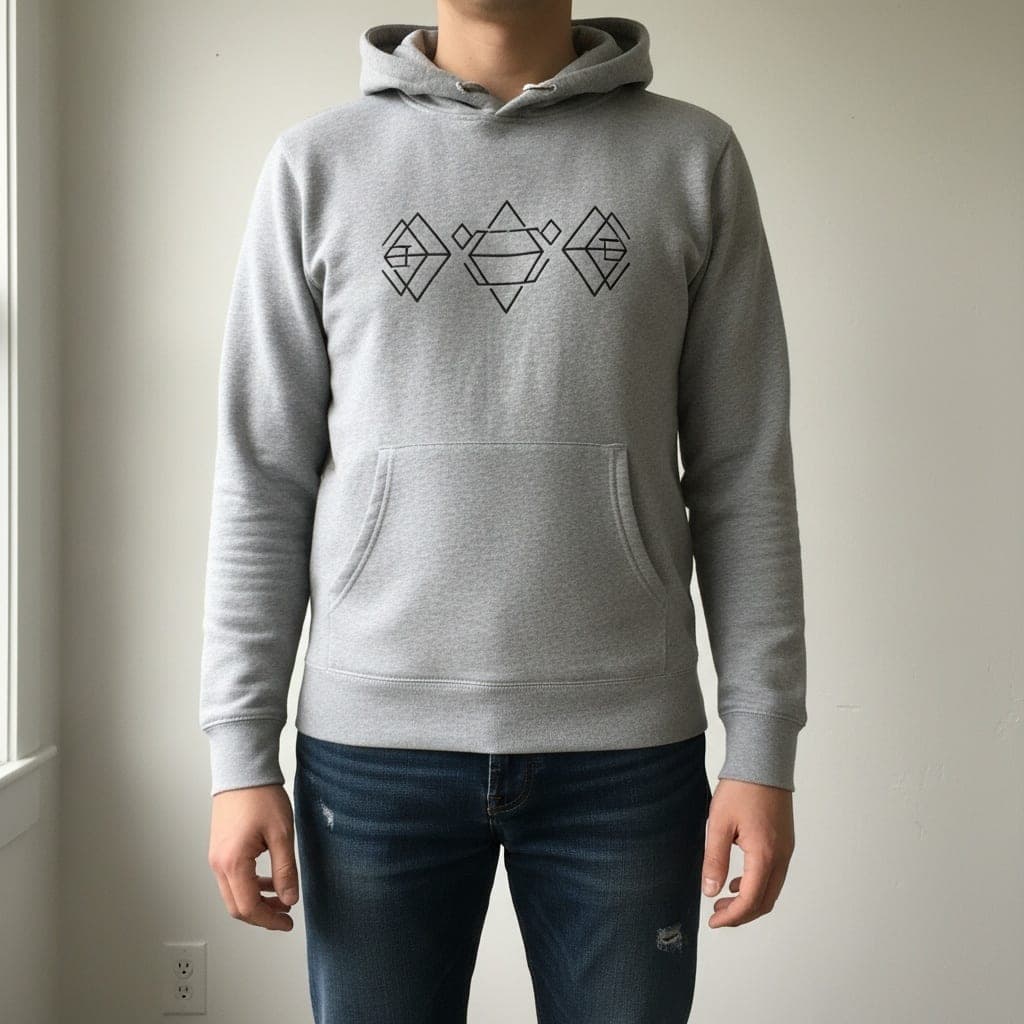 Worn
Worn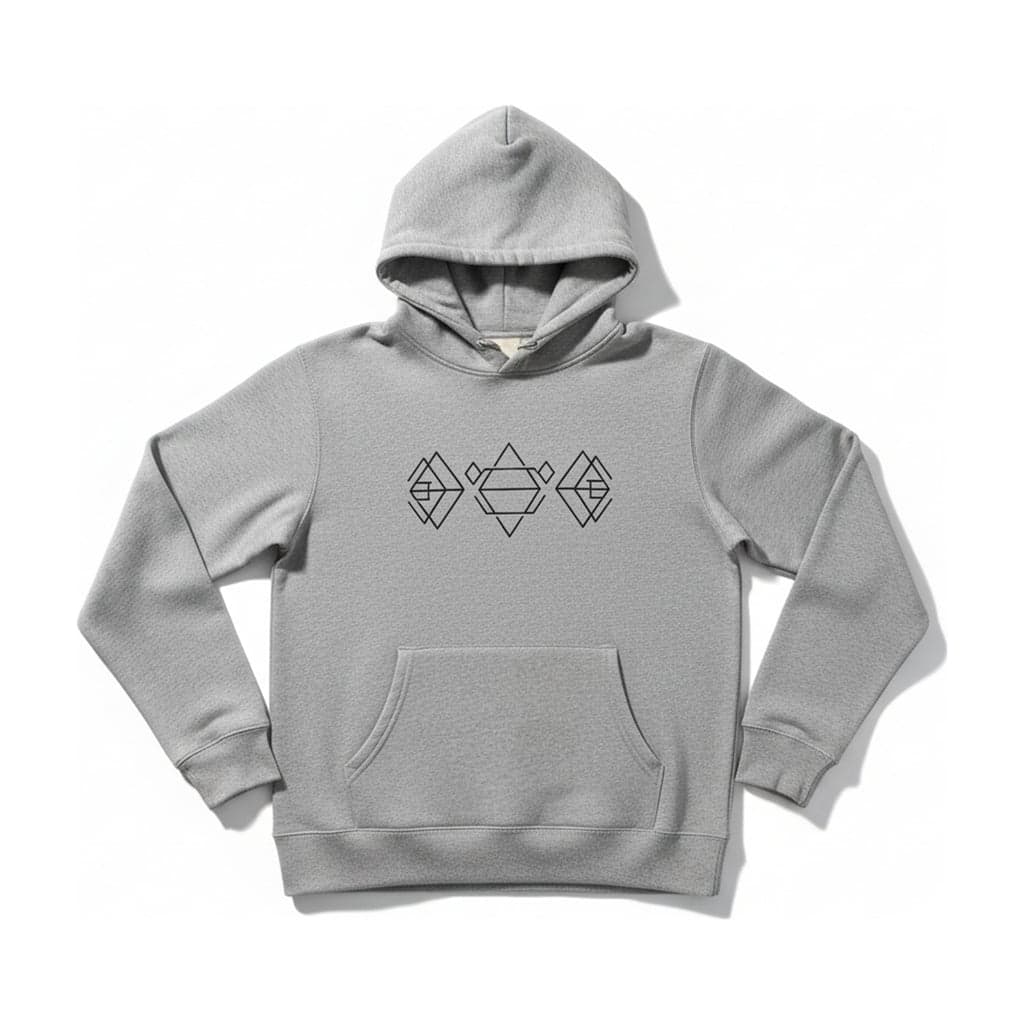 Flat lay
When This Is the Photo You Have
Resellers photograph a piece while trying it on. Small brands get photos back from a friend who modeled the collection. Wholesale suppliers send on-model shots only. In all of these cases the garment is there, but a marketplace or a clean collection page needs it on its own.
Cutting a person out by hand leaves arm holes, a neck and hair in the collar. Here the AI removes the person entirely and redraws the garment laid flat and seen from above, so it looks like a proper flat lay rather than a cut-out.
Which Worn Photos Work
Works well
A front view, standing straight, arms relaxed at the sides, with the whole garment visible from collar to hem.
Harder
Crossed arms, hands in pockets, a bag strap or long hair over the garment. The AI has to guess what's underneath, and that part may not match.
Avoid
Side or back poses, sitting, several people in one photo, or garments that are cropped at the edge of the frame.
How It Works
- 01
Upload the worn photo
Choose Worn under "What does your photo show?". JPG, PNG or WEBP, at least 800 px on the short side.
- 02
Pick the look
Choose a background, aspect ratio, padding and whether you want a soft shadow under the garment.
- 03
Check and download
Compare the result with the garment. The person never appears in the result, and the download is 2048 px on the short edge.
Privacy and Honesty
Only upload photos of people who agreed to it, and never photos of children. Your uploads are private and deleted automatically after 30 days.
Because the garment is redrawn laid flat, parts hidden by the pose are AI-generated. Compare the result with the real piece before you list it, especially the sleeves and the back.
Remove Person FAQ
Will the person's face or body appear anywhere?
No. The result contains only the garment. The original photo stays private in your account until it's deleted.
Can I get a ghost mannequin from a worn photo instead?
Worn photos are only supported by the flat lay tool, because ghost mannequin results from worn photos aren't reliable enough. For a ghost mannequin, use a mannequin, hanger or flat lay photo.
Does it work with a mirror selfie?
Often, yes, if the phone doesn't cover the garment and the whole piece is in frame. A photo taken by someone else, straight on, works better.
Can it keep the model and change the background?
No. This tool always removes the person and makes a flat lay.