
Clothing Product Photo Requirements for Shopify, Etsy and Amazon
Image size, aspect ratio and background guidelines for clothing on the three biggest platforms, and which settings to use for each.
Last updated:
Each platform shows your photos differently, so the "right" size and ratio depend on where you sell. Below are the main guidelines for clothing on Shopify, Etsy and Amazon, and the settings that fit each.
Platforms update their rules from time to time. The figures below were checked against each platform's help pages on 2026-11-13; check them again before a big upload.
Shopify
- Recommended size: Shopify says 2048 × 2048 px usually displays best for square product images.
- Limits: up to 5000 × 5000 px and smaller than 20 MB per image.
- Ratio: square works with most themes. Whatever ratio you pick, use the same one for every product so collection pages line up.
Settings to use: aspect ratio 1:1, background white or light gray, padding standard.
Etsy
Etsy requires at least one unedited photo of the actual item against a real background; listing-type exceptions apply.
- Size: Etsy recommends images at least 2000 px on the shortest side.
- Ratio: the first image should be landscape or square. This tool supports square 1:1, but no landscape ratio.
Settings to use: any ratio works for size: every output is 2048 px on the short edge (1:1 is 2048 × 2048, 4:5 is 2048 × 2560, 3:4 is 2048 × 2731), above Etsy's 2000 px guidance. 1:1 is the safest choice for square thumbnails. The flat lay generator offers light wood and linen backgrounds, which suit Etsy's style well. More on this in Etsy clothing photos.
Amazon
- Background: the main image must have a pure white background (RGB 255, 255, 255 / #FFFFFF).
- Fill: the product should fill at least 85% of the image.
- Size: at least 1,000 px on one side, so shoppers can zoom.
- Mannequins: a visible mannequin or hanger is not allowed in the main image. Amazon prefers adult clothing shown on a model and also allows ghost mannequin and flat shots; children's clothing should be shot flat or on a ghost mannequin. Rules differ by category and marketplace: the public clothing style guide we checked is the one for Amazon.ae, and the Amazon.com version is in Seller Central, so check the current guide for your marketplace and category before you rely on these points.
Settings to use: ghost mannequin, background white, aspect ratio 1:1, padding tight (the garment fills about 90% of the frame). Keep lifestyle backgrounds for the secondary images. The white background clothing photos page opens the tool with a pure white background already selected.
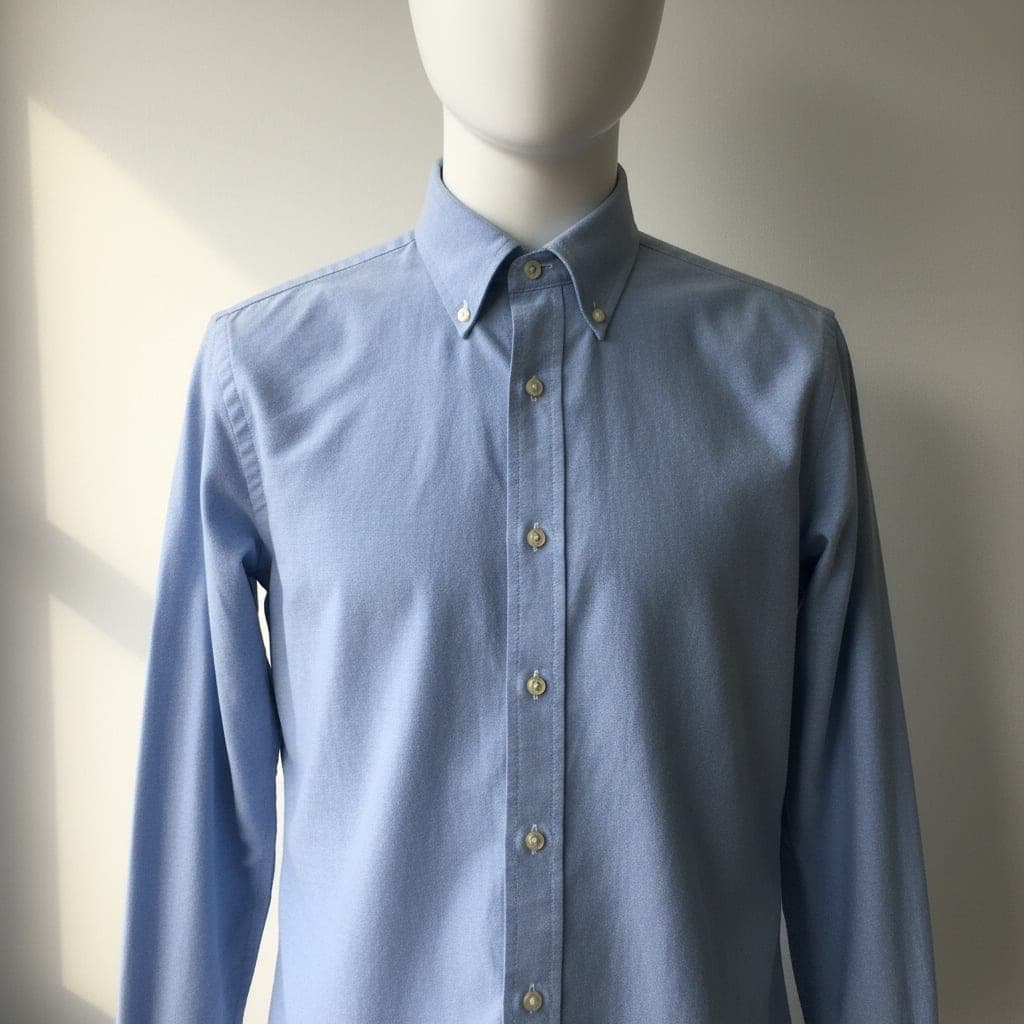 Mannequin
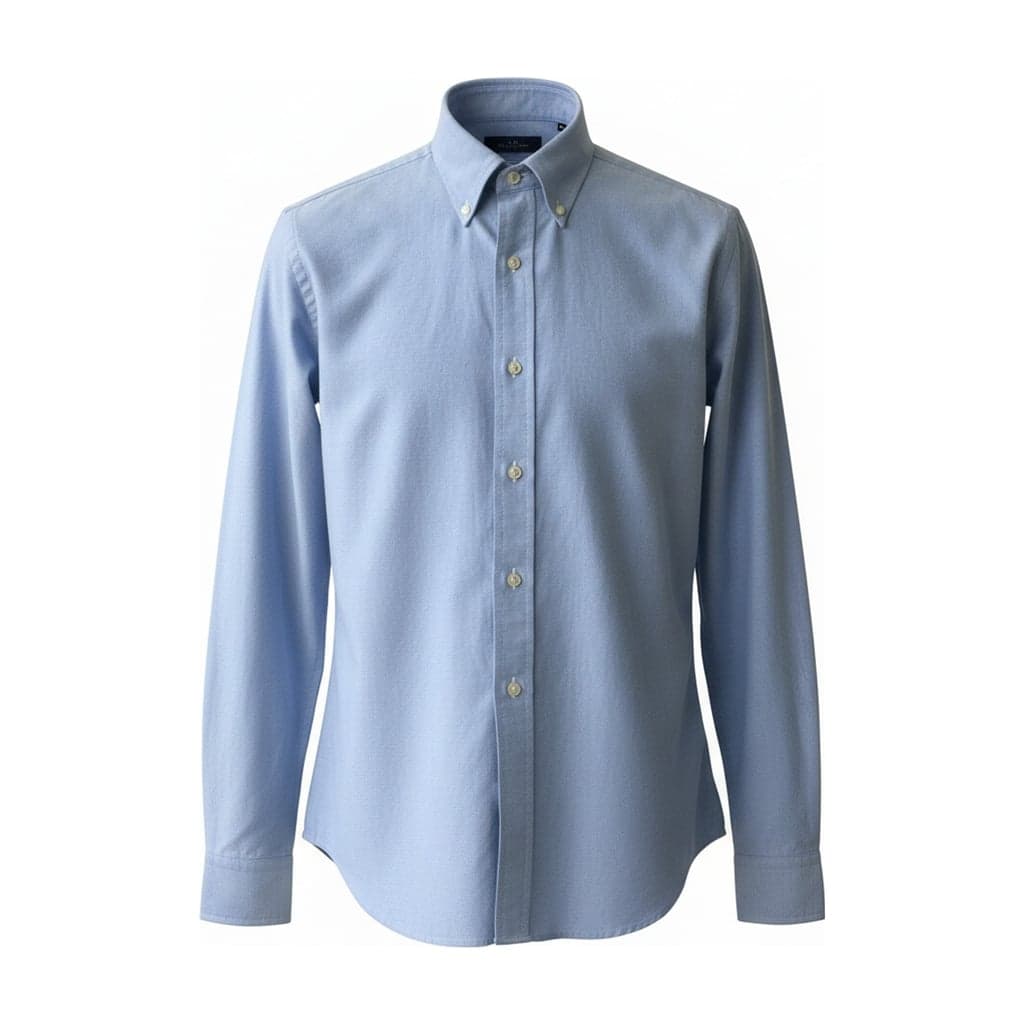 Ghost mannequin
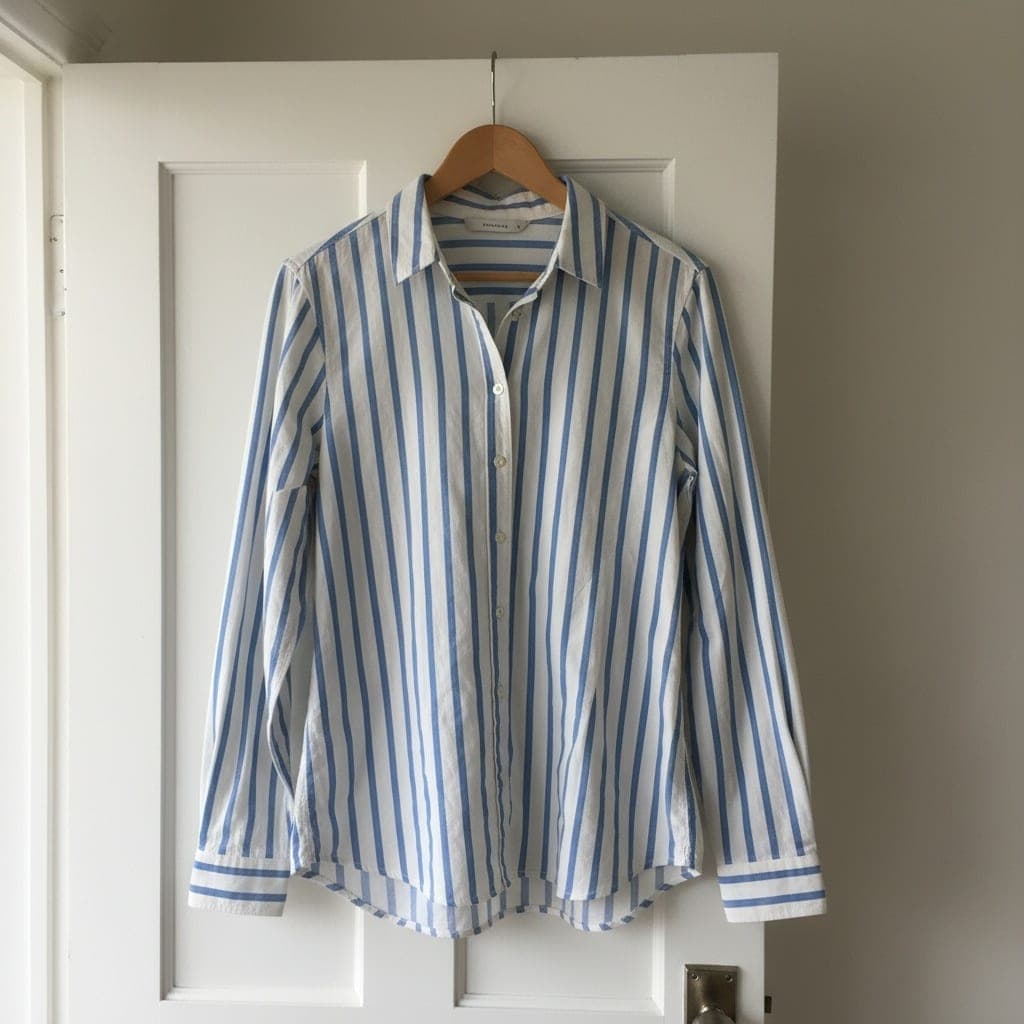 Hanger
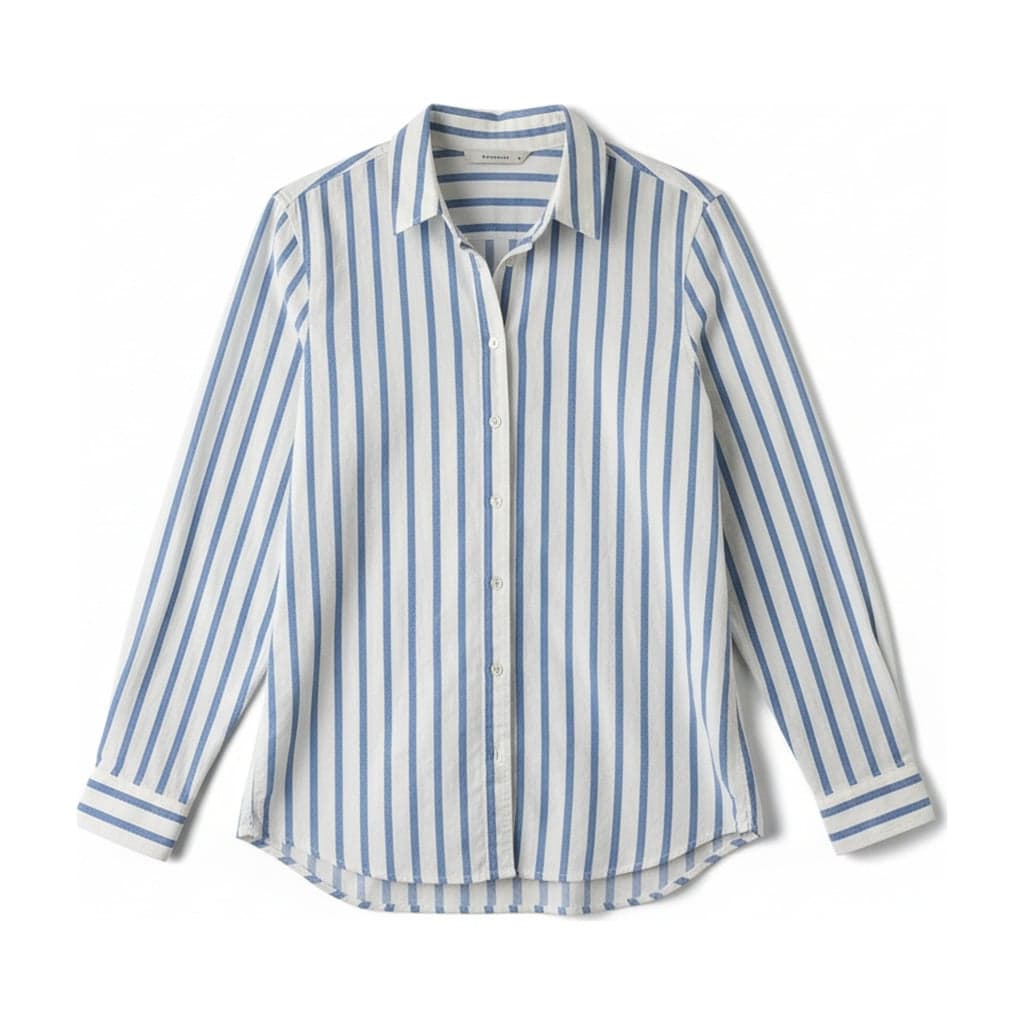 Flat lay
For a garment photographed on a hanger, remove visible hanger hardware and check the garment shape before preparing your listing images.
Summary
The clothing photo editor lets you choose ghost mannequin or flat lay output and set a consistent background, aspect ratio and padding before preparing images for your store.
| Platform | Background | Ratio | Padding |
|---|---|---|---|
| Shopify | White or light gray | 1:1 | Standard |
| Etsy | White, light wood or linen | 1:1 | Standard |
| Amazon (main image) | Pure white | 1:1 | Tight |
Standard generates from a 2K source and exports a JPG with a 2048 px short edge. Older Basic examples used 1K sources; enlarging them does not recover missing detail. Start with a sharp, evenly lit photo. How to photograph clothes for ghost mannequin images.
Official sources, checked 2026-11-13: Shopify, Etsy, Amazon.ae clothing guide. This dated UAE guide is not a guarantee of current rules for other marketplaces; confirm your category in Seller Central.