
Ghost Mannequin App: Works in Your Phone Browser, No Install
Turn a hanger, flat lay or mannequin photo into a ghost mannequin image in your phone browser. Ghost Mannequin Tool works on iPhone and Android without installing an app. One-time packs start at $2.99 for 10 Standard generations, with no subscription.
Hanger and flat lay inputs → ghost mannequin results
These public examples simulate phone-style clothing photos. The source garments are AI-generated samples, not real customer uploads or verified smartphone photographs. Compare the original and result, including the disclosed detail changes.
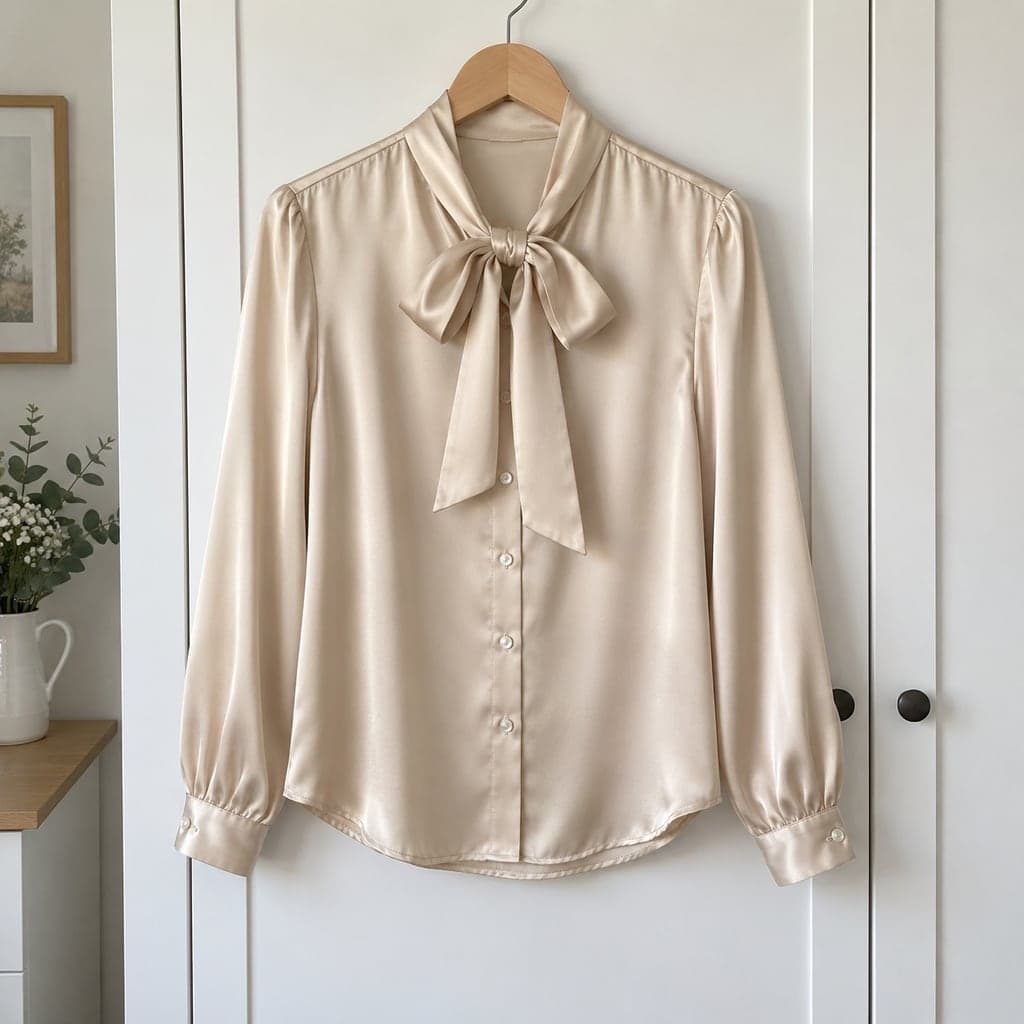 Hanger
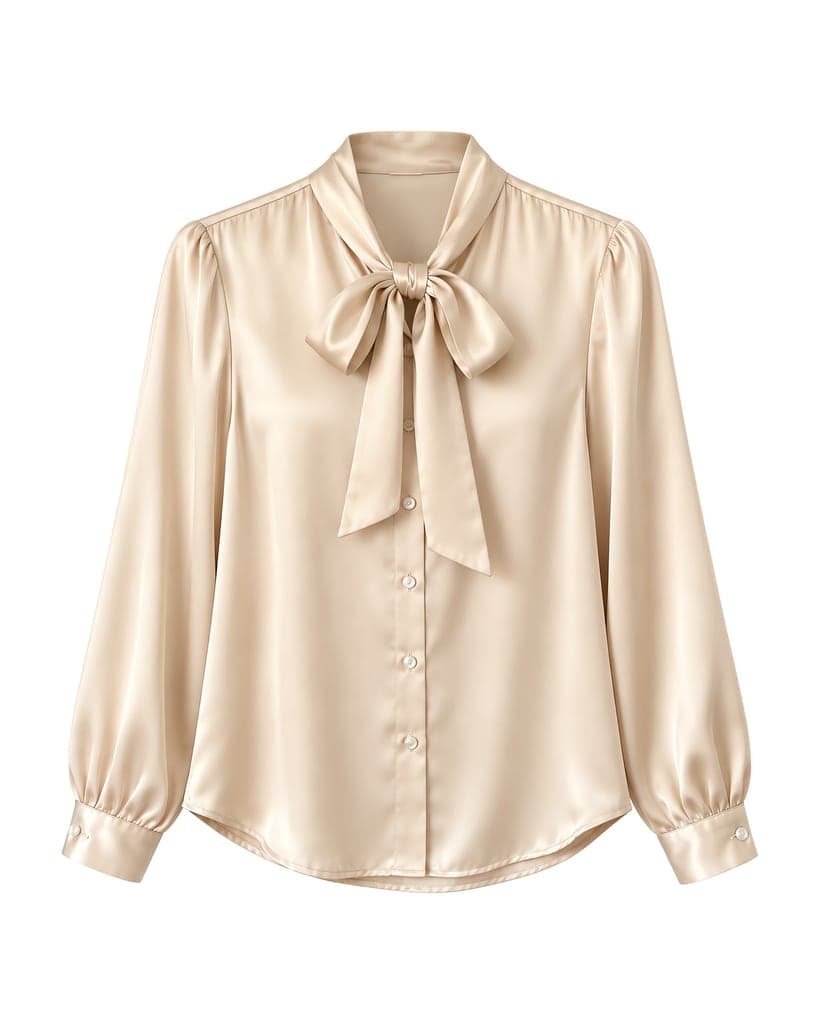 Ghost mannequin
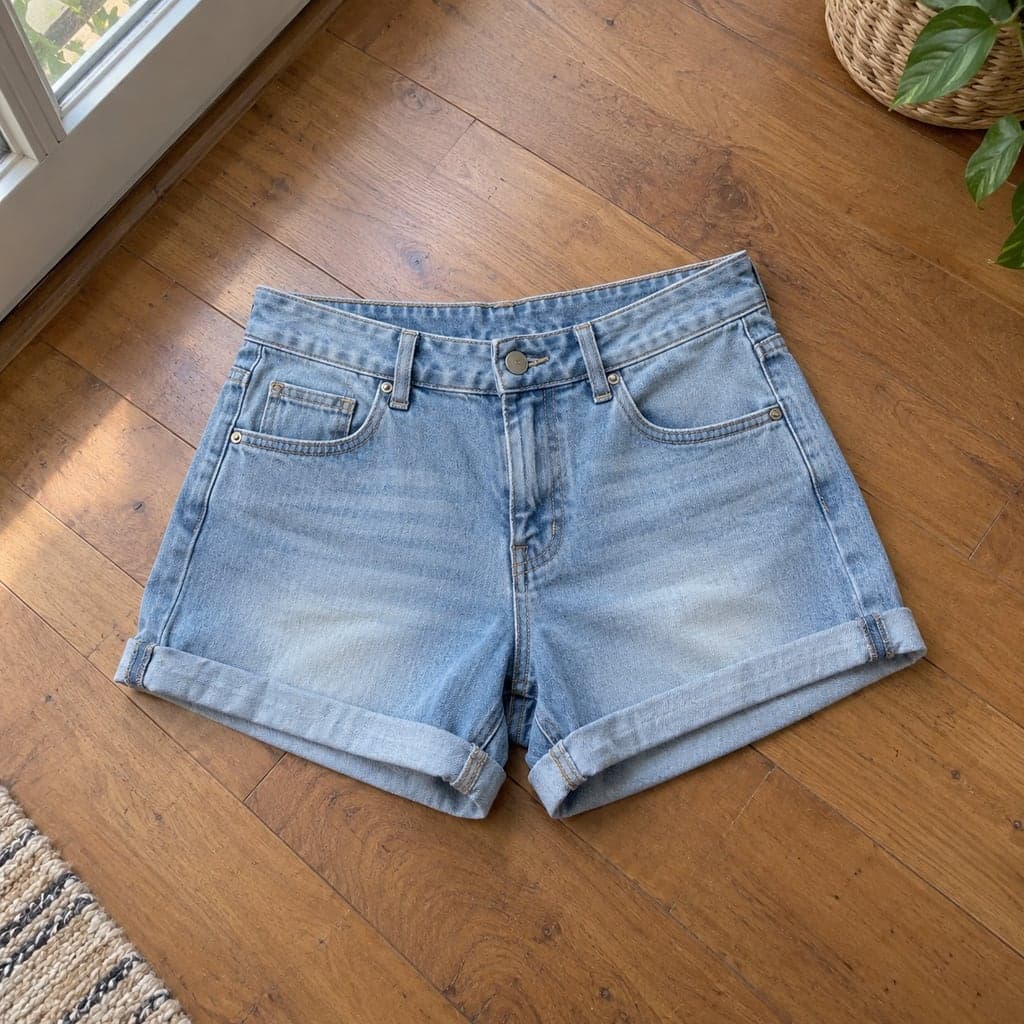 Flat lay
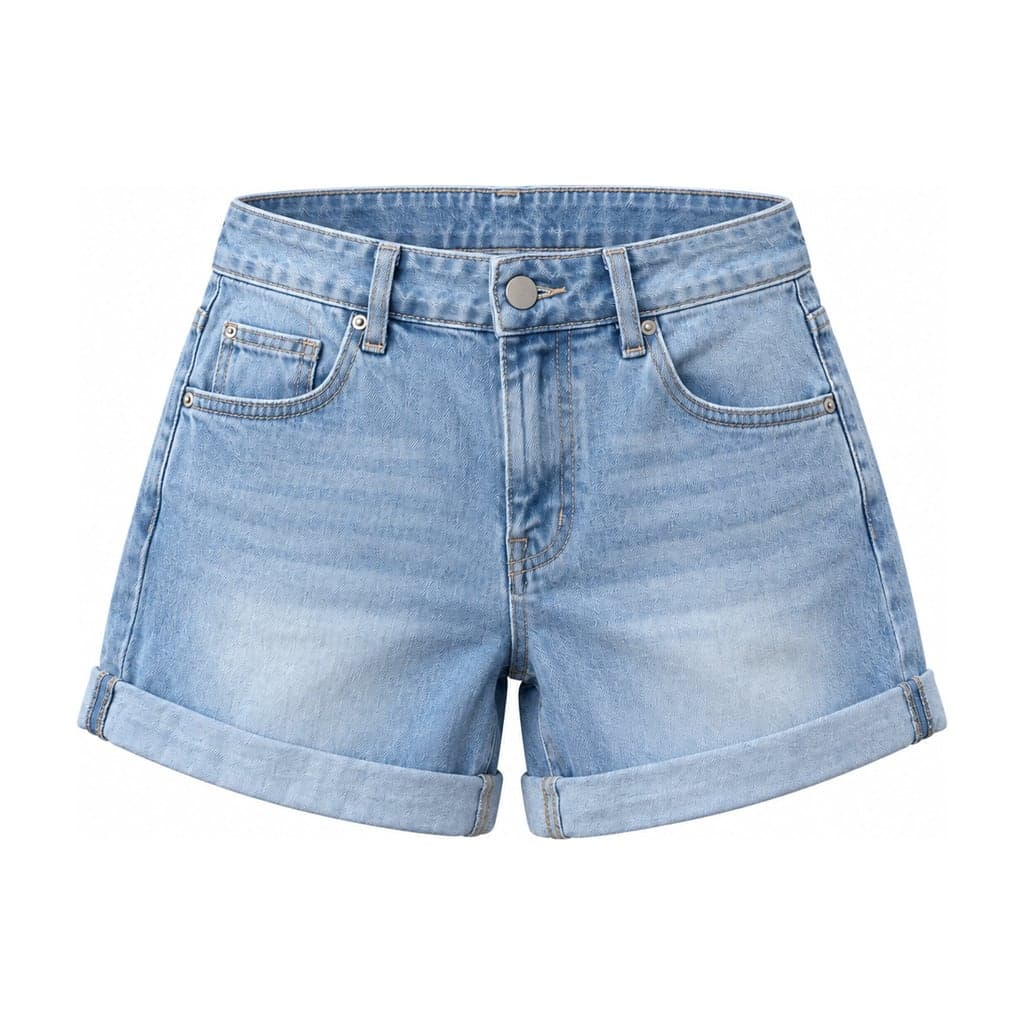 Ghost mannequin
From a phone photo to a clothing product image
Photograph one garment
Keep the full garment in frame, with even light and a plain background. Use a front-facing hanger or mannequin photo, or shoot a flat lay from directly above.
Open the tool in your browser
Use Safari on iPhone or Chrome on Android and sign in with email or Google. Upload a JPG, PNG or WEBP, up to 15 MB and at least 800 px on its short side. Export HEIC photos to a supported format before uploading.
Choose the output
Select the input type, background and framing. The ghost mannequin output shows a hollow, dimensional garment; choose the flat lay tool if you want a top-down image instead.
Review before downloading
Compare the neckline, logo, print, color and hem with the original. AI regenerates the garment and may change details. Downloads are JPG images with a 2048 px short edge; this is not a pixel-preserving cutout.
One-time purchase, no subscription
Start with 10 Standard generations for $2.99, or 40 for $6.99. Each new version counts as another generation, so a pack does not guarantee that many approved listing photos. A generation marked as failed returns its charge. Packs are valid for 365 days after purchase and do not renew automatically.
After email verification (Google sign-in counts), new accounts can try 1 Standard generation and inspect a watermarked preview. Unlock that already-generated image for $0.50 via PayPal, with no new generations, or buy a pack to add generations and unlock the trial image.
See all packs and budget examplesGhost mannequin app FAQ
Do I need to install an iPhone or Android app?
No. This is a web app: open the website in your iPhone or Android browser, sign in and upload your photo. There is no app-store installation step.
Can I upload a photo taken on my phone?
Yes. Take the photo first, then choose it in the uploader. JPG, PNG and WEBP are supported, up to 15 MB and at least 800 px on the short side. Convert HEIC files to a supported format before uploading. See supported formats and upload limits
Can I turn hanger photos into ghost mannequin images?
Yes. Select Hanger as the input type in the ghost mannequin tool. The AI removes the hanger and generates a dimensional garment. Inspect hidden neckline areas and garment details before publishing.
Can I make a flat lay instead?
Yes. The flat lay tool accepts hanger, mannequin or worn clothing photos and creates a top-down garment image. Both tools use the same account balance.
Does the app require a subscription?
No subscription is required for the one-time packs shown here. Start with 10 Standard generations for $2.99. Packs expire after 365 days, and making another version uses another generation.
Is the trial image watermarked?
Yes. New verified accounts can inspect one Standard trial result with a watermark. Unlock that existing image for $0.50 via PayPal or buy a pack to unlock it and add more generations.