
Photoroom Ghost Mannequin vs Ghost Mannequin Tool
Compare Photoroom’s documented ghost mannequin workflow with Ghost Mannequin Tool: inputs, batch limits, credits and garment-detail checks.
Last updated:
If you searched for “Photoroom ghost mannequin,” start with the photographs you have and the work you need to finish. This guide compares Photoroom’s official documentation with the clothing workflows in Ghost Mannequin Tool. It does not rank image quality: the examples below show only our own generated samples, and we have not uploaded them to Photoroom.
Every Photoroom source linked here was checked on October 3, 2026. Features and billing can change, so reopen the relevant source before choosing a plan. The practical question is whether a workflow produces an image you can check against the garment you actually sell.
What Photoroom officially documents
Photoroom’s Ghost Mannequin product page, checked on October 3, 2026, says the tool accepts flat lay, hanging garment, mannequin and model photos and uses AI to reconstruct hidden garment areas. Those are documented capabilities, not results measured in this guide. We do not repeat its promotional claims about sales or returns.
Its Ghost Mannequin help article, checked on October 3, 2026, lists source image, quality, aspect ratio, brand and prompt settings. It describes access through the standalone tool, Batch and Photoroom for Shopify, and says generation requires AI credits. Quality affects resolution, detail, credit use and generation time. The article also describes editing a generated image or making variations.
Photoroom also documents a separate Flat Lay tool, checked on October 3, 2026, for generating a top-down clothing presentation from a source image. A flat lay is therefore worth considering in either workflow; it is not a feature unique to our product.
Compare the workflow you need
Ghost Mannequin Tool has two clothing tools using one account and credit balance. The ghost mannequin generator accepts mannequin, hanger and flat lay inputs. The flat lay generator accepts mannequin, hanger and worn inputs. Choose the tool according to the final presentation rather than treating every source photo as the same task.
For a single garment, our ghost mannequin workflow can use an optional collar-interior photo and another-angle reference. Photograph the same item in similar lighting. These references do not add credits to the generation charge, but they do not guarantee that tiny lettering or hidden construction will survive accurately. Batch processing does not accept supplementary photographs; use single-image mode when those references matter.
Our controls include background, aspect ratio and padding, plus front, back or 45° views for ghost mannequin output. Downloads are JPGs with a 2048 px short edge. Ghost mannequin backgrounds are white or light gray; transparent output is unavailable. An exported image size alone does not establish how faithfully a model preserved fine fabric detail.
Batch limits deserve a separate check
Photoroom’s Web App Batch instructions, checked on October 3, 2026, name Ghost Mannequin as an available AI tool. They distinguish Pro users applying AI tools to individual Batch images from Max and Ultra users generating multiple Batch images at once. AI tools require AI credits. Do not infer a multi-image entitlement from the existence of a Batch button alone.
Our batch mode accepts up to ten garment photos, uses credits per image and returns credits for failed images. A successful generation that you reject for altered details is still a generated attempt. Start with a representative item, inspect it, and then process similar products. Batch size and review effort are different limits: ten files can still require ten careful inspections.
Compare billing without equating credits
Photoroom’s pricing page, checked on October 3, 2026, shows Pro at $7.50 per month when billed yearly, Max at $20.99 and Ultra at $82.50 in the displayed dollar pricing. These are annual-billing monthly equivalents, not month-to-month quotes. The page describes monthly AI credit pools and separate export allowances, and notes that included AI credits can vary by country or region.
Ghost Mannequin Tool offers credit packs starting at $4.99 for 20 credits. The other packs are $12.99 for 60 and $29.99 for 150. Check the credit charge shown by the tool before generation; purchasing a number of credits is not a promise that every attempted image will be suitable for publishing. Purchased credits expire after twelve months. New accounts receive trial credits after email verification, with the current amount shown on the site.
The word “credit” is not a common unit between products. Budget using the work you need, the settings you choose, possible extra attempts and the time spent checking each result. This guide does not calculate a Photoroom price per ghost mannequin image from a plan’s total credits.
Inspect our samples as examples, not a head-to-head test
The following pair uses one AI-generated sample garment photograph to show our ghost mannequin and flat lay outputs. These are existing public samples documented in our sample-source record, not customer uploads or Photoroom images.
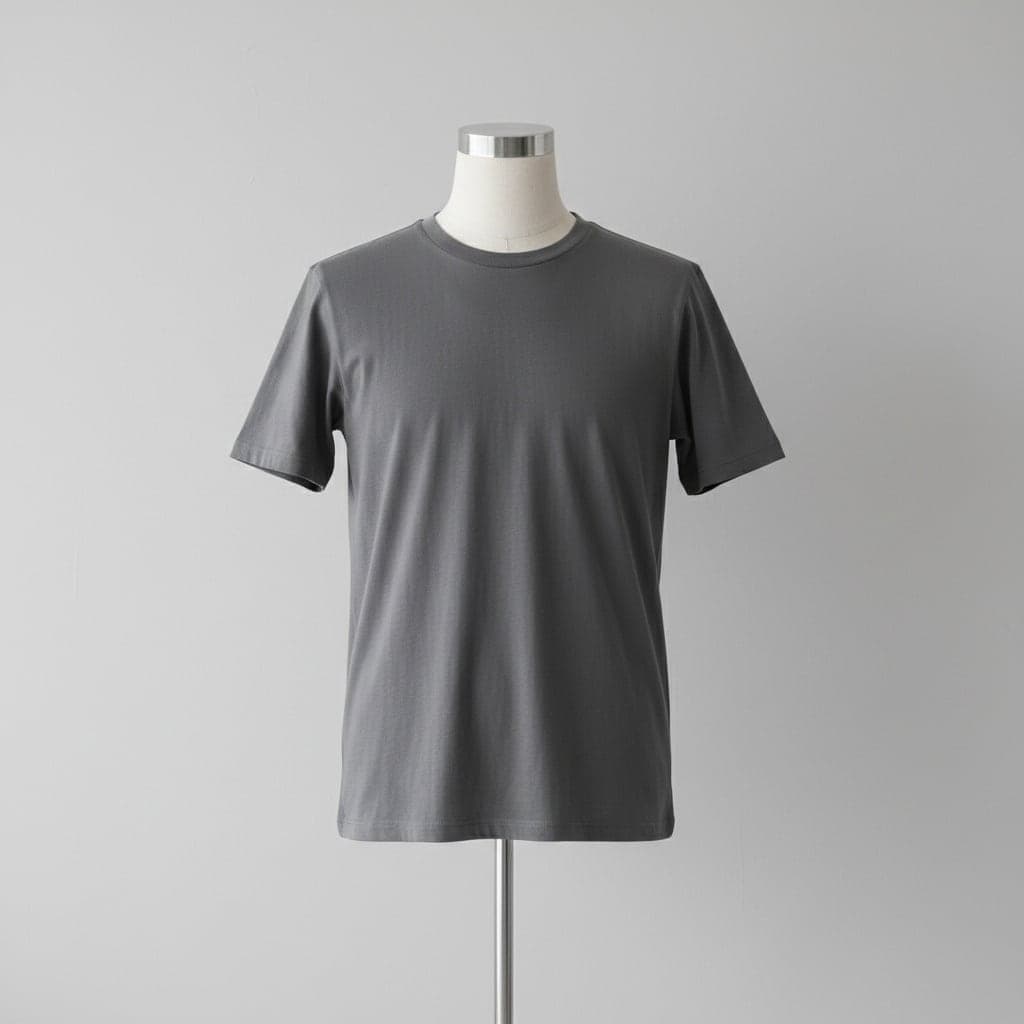 Mannequin
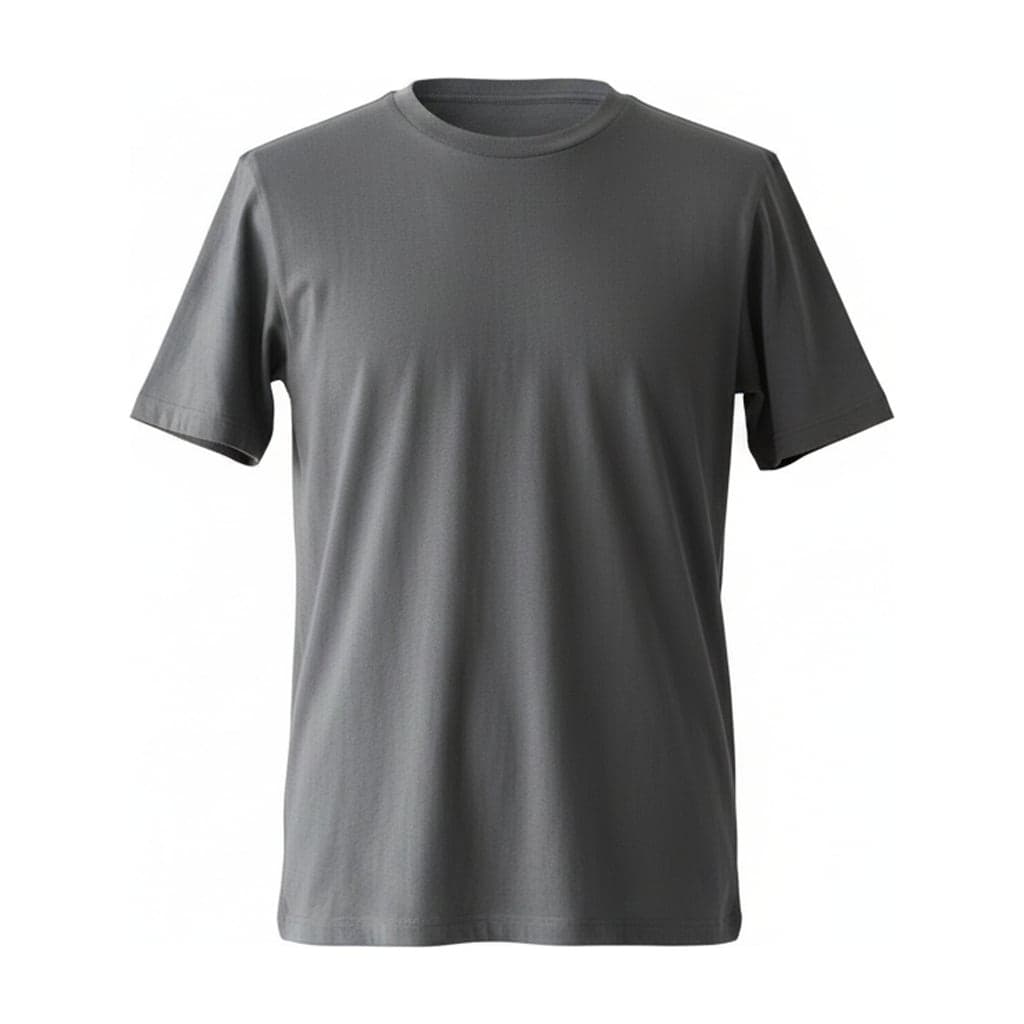 Ghost mannequinMannequin
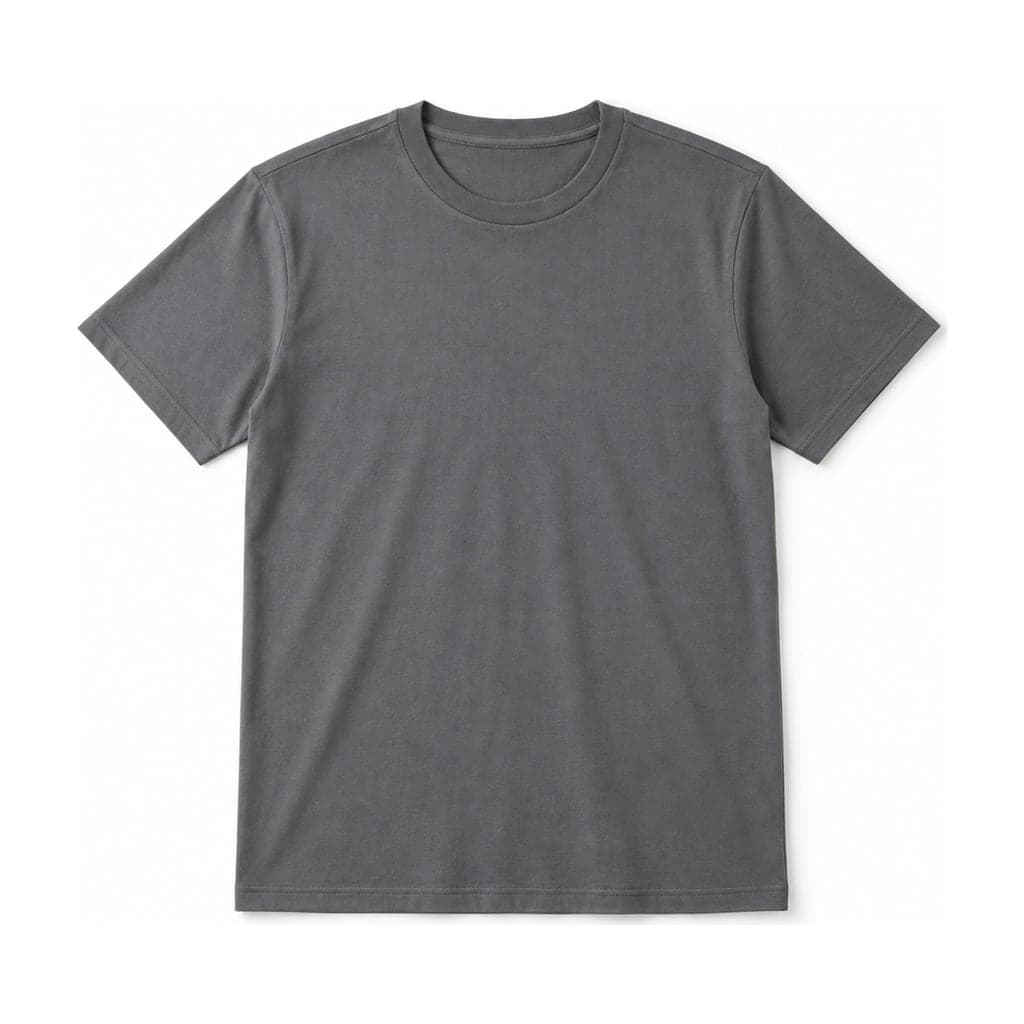 Flat lay
Compare the original neckline, sleeves and hem with each result. A hollow presentation emphasizes volume, while a flat lay changes how the garment’s shape is presented. Neither result supplies evidence about fabric or construction that was absent from the source. Read the difference notes shown with the samples and browse the full examples gallery before choosing an input style.
For your own listing, check buttons, zipper tracks, prints, seam positions, label text and color. Keep a real detail photograph when buyers need close evidence. If a generated draft changes a selling feature, reject it or seek a controlled edit; another plausible image is not automatically a correction.
Which workflow fits your store?
Based on its cited documentation, Photoroom is worth evaluating when you want prompt and brand controls alongside its documented Batch or Shopify workflow. Check the linked help pages and plan entitlements for the platform you intend to use. That is a workflow-based recommendation, not an independent quality endorsement.
Ghost Mannequin Tool may fit sellers who want the two clothing presentations, explicit background and spacing choices, optional single-item collar references and purchases through credit packs. It still generates details with AI, so plan for review and possible extra attempts. For exact compositing from real interior photographs, read our service-versus-AI guide before deciding that generation is the right route.